RealRehab Capstone Project
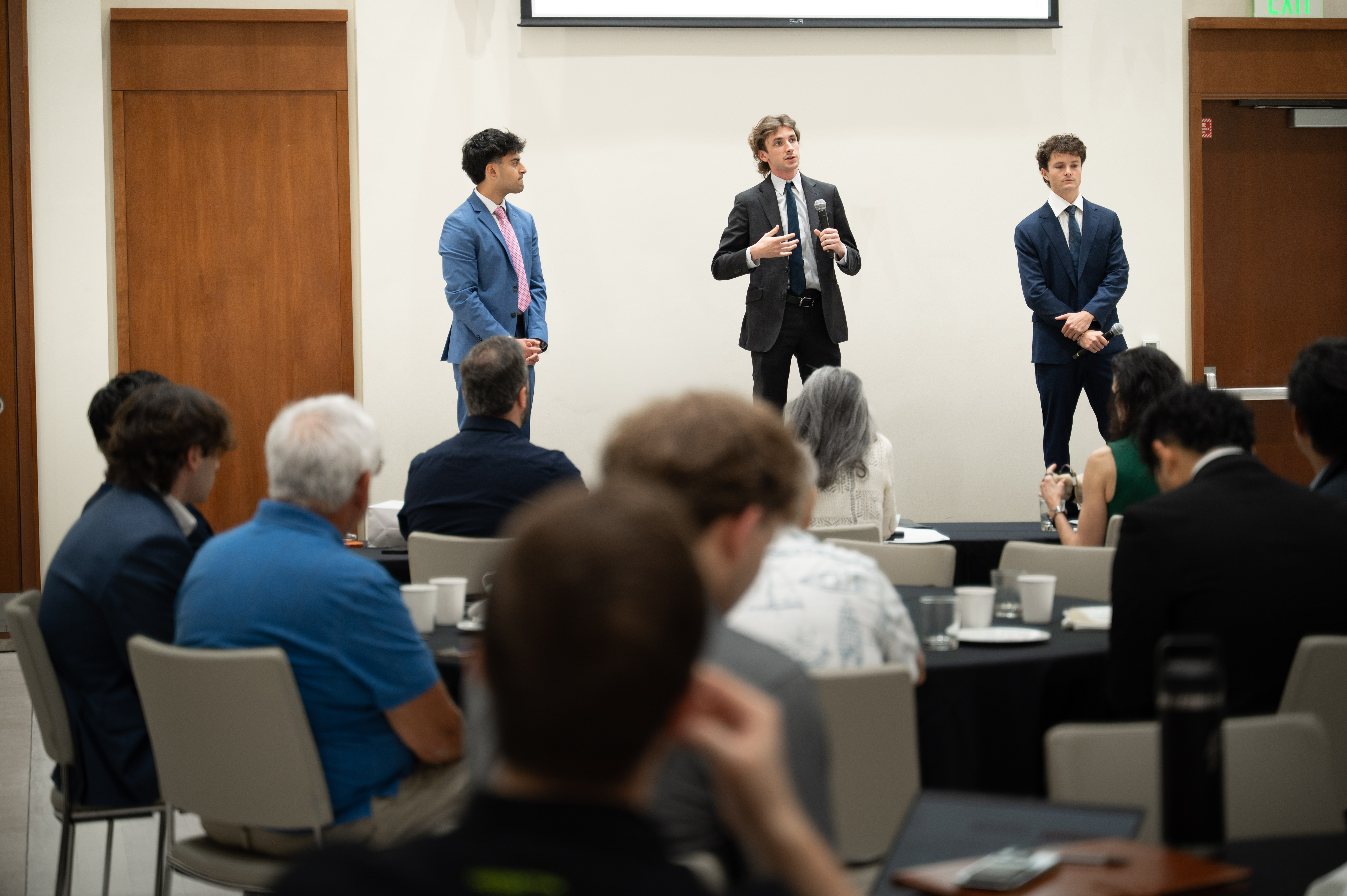
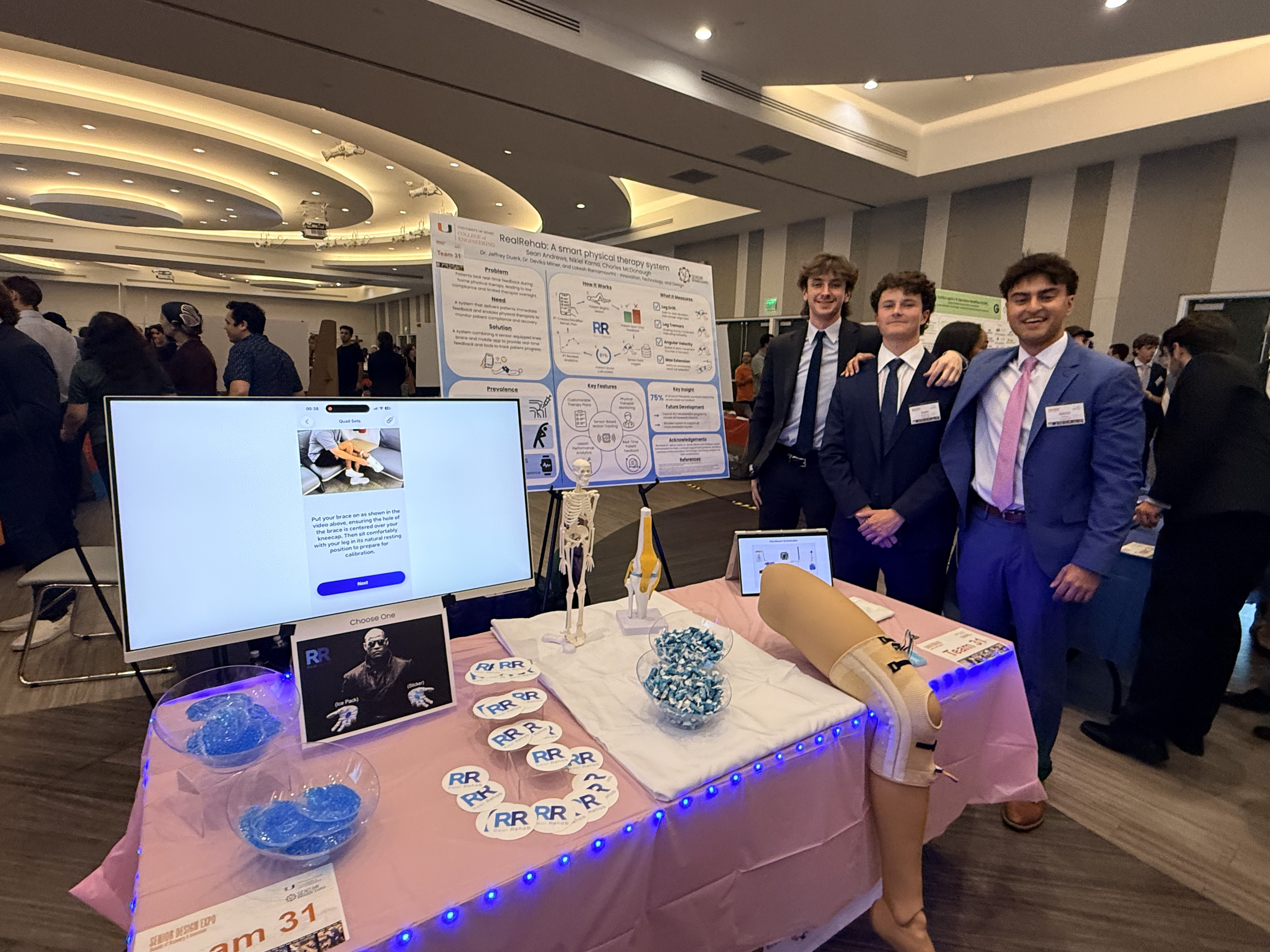
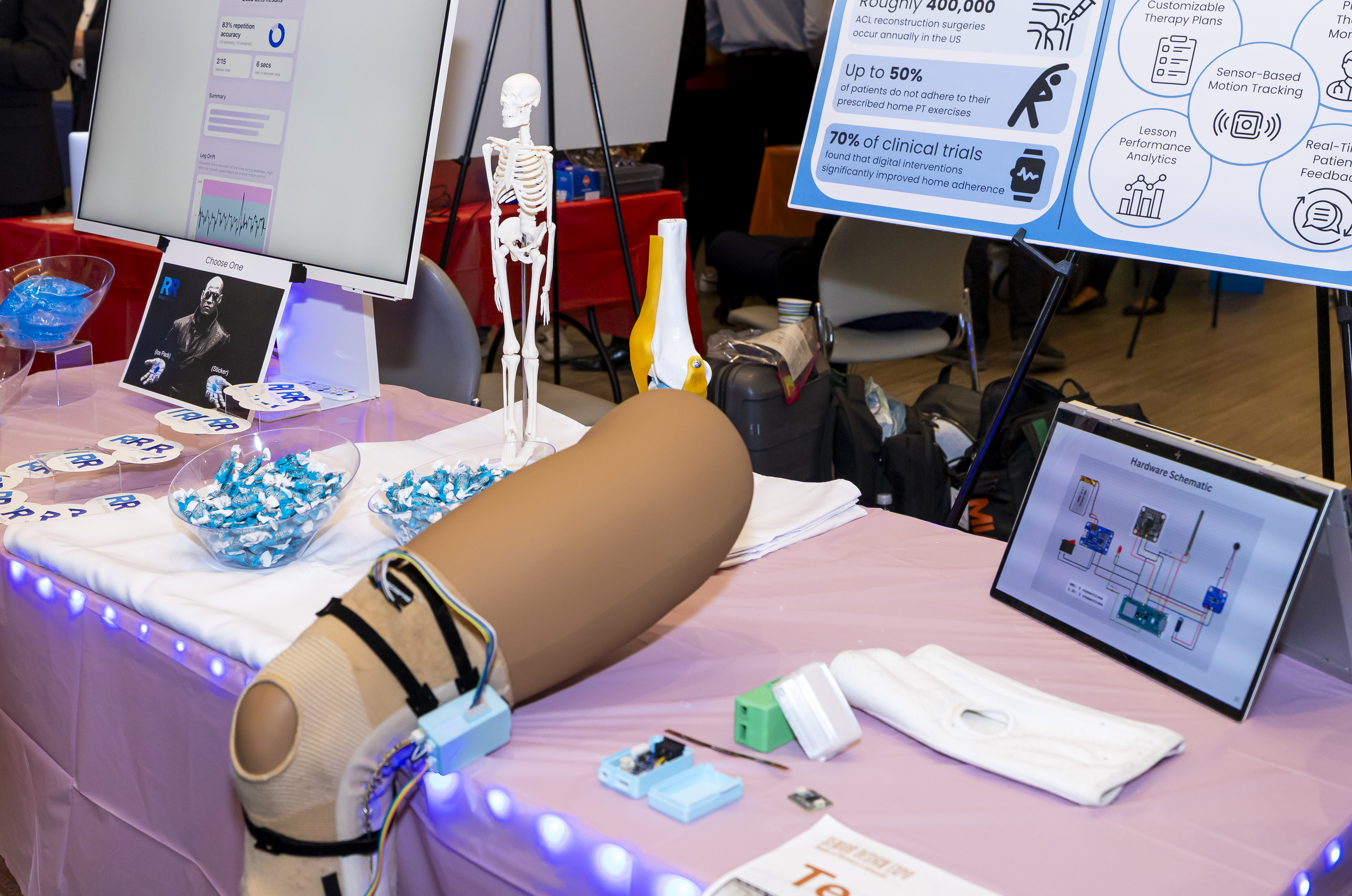
RealRehab is a wearable-connected physical therapy platform developed as part of the Senior Capstone course (Fall 2025 - Spring 2026). The system pairs motion sensors embedded in a knee brace with an iOS app and backend infrastructure, tracking movement in real time to guide patients through exercises at home while giving physical therapists the data to remotely configure, monitor, and adapt rehab plans, with a long-term vision of supporting a wider range of musculoskeletal injuries. I led the software development side of the project, collaborating with my team on hardware design and running structured user testing sessions with physical therapy stakeholders to validate and iterate on features. To shape what we built in the first place, I also coordinated recurring meetings with practicing PTs to translate clinical needs into prioritized functional and non-functional requirements using the MoSCoW framework, and kept the team on schedule through sprint planning and Scrum reporting. Our team demonstrated the product at the College of Engineering Senior Design Expo and competed in the EPIC 2026 Pitch Competition.
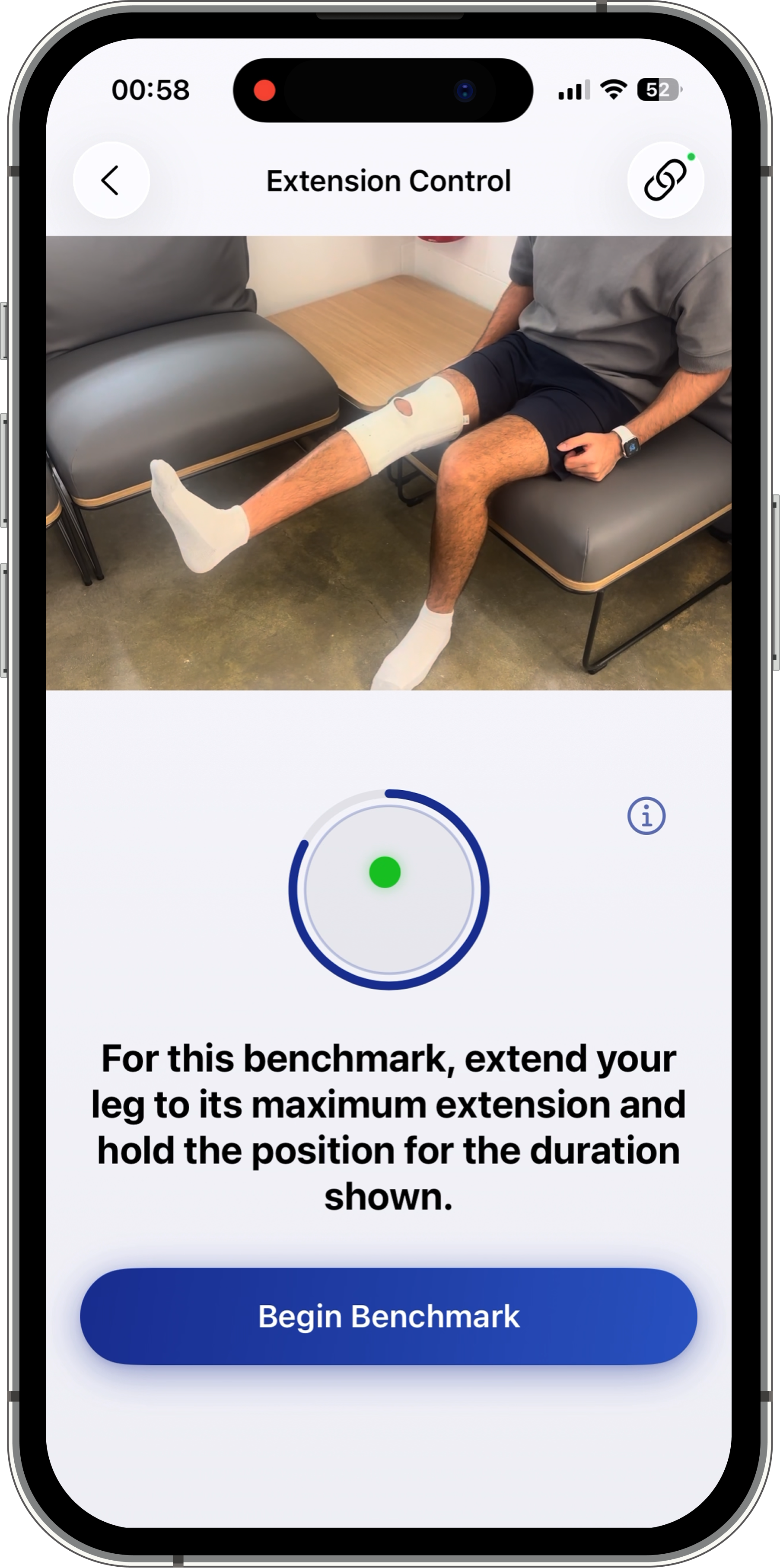
The current prototype focuses specifically on Phase 1 of ACL knee rehabilitation, serving as a proof of concept for a broader, scalable platform. After speaking with multiple physical therapists, we learned that typical ACL recovery timelines span across four phases, each with increasingly complex exercises and goals. Our prototype covers the full Phase 1 recovery experience, featuring four fully functioning lesson types (Quad Sets, Heel Slides, Knee Extensions, and Short Arc Quads), along with two benchmark tests that evaluate whether a patient is ready to advance to harder difficulty levels of the phase.
Problem Statement:
~400,000
ACL reconstruction surgeries occur annually in the US. source
Up to
50%
of patients do not adhere to their prescribed home PT exercises. source
70%
of clinical trials found that digital interventions significantly improved home exercise adherence. source
At-home physical therapy lacks real-time feedback, accountability, and clinical visibility. Patients recovering from knee injuries often perform exercises incorrectly, lose motivation without structured guidance, and have limited access to consistent in-person physical therapy sessions. At the same time, physical therapists are unable to see how patients move at home, must rely heavily on self-reported progress, and have limited tools to remotely personalize and adjust rehabilitation programs.
Mission:
Our goal was to develop a rehabilitation platform that provides clarity, structure, and measurable progress for both patients and physical therapists. For patients, the app enables real-time guidance and clear visualization of whether exercises are being performed correctly, while tracking improvement over time. For physical therapists, the platform supports the creation of personalized exercise programs and provides ongoing visibility into patient progress through lesson analytics, enabling more informed adjustments throughout the rehabilitation process.
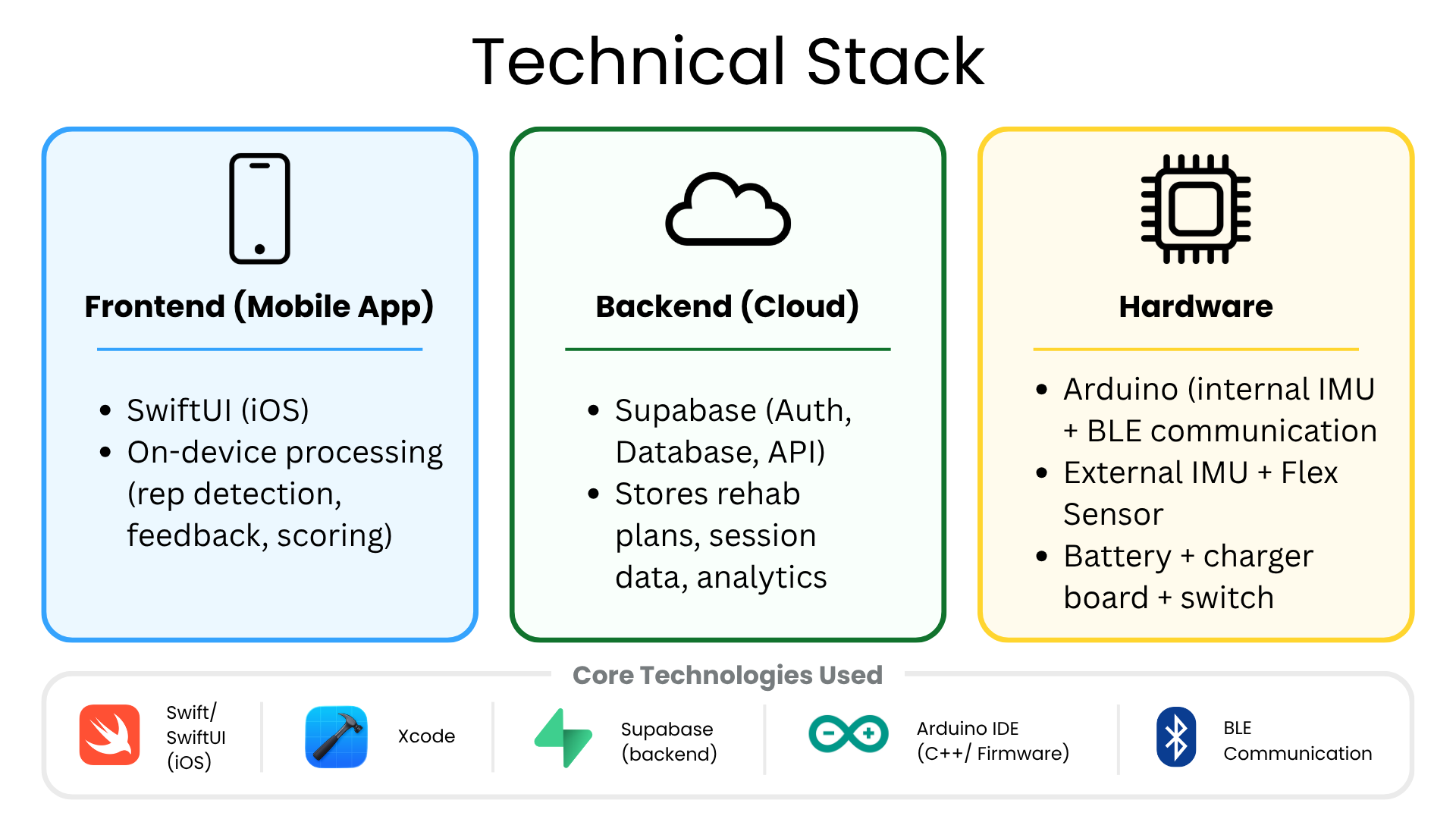
RealRehab is composed of three connected layers:
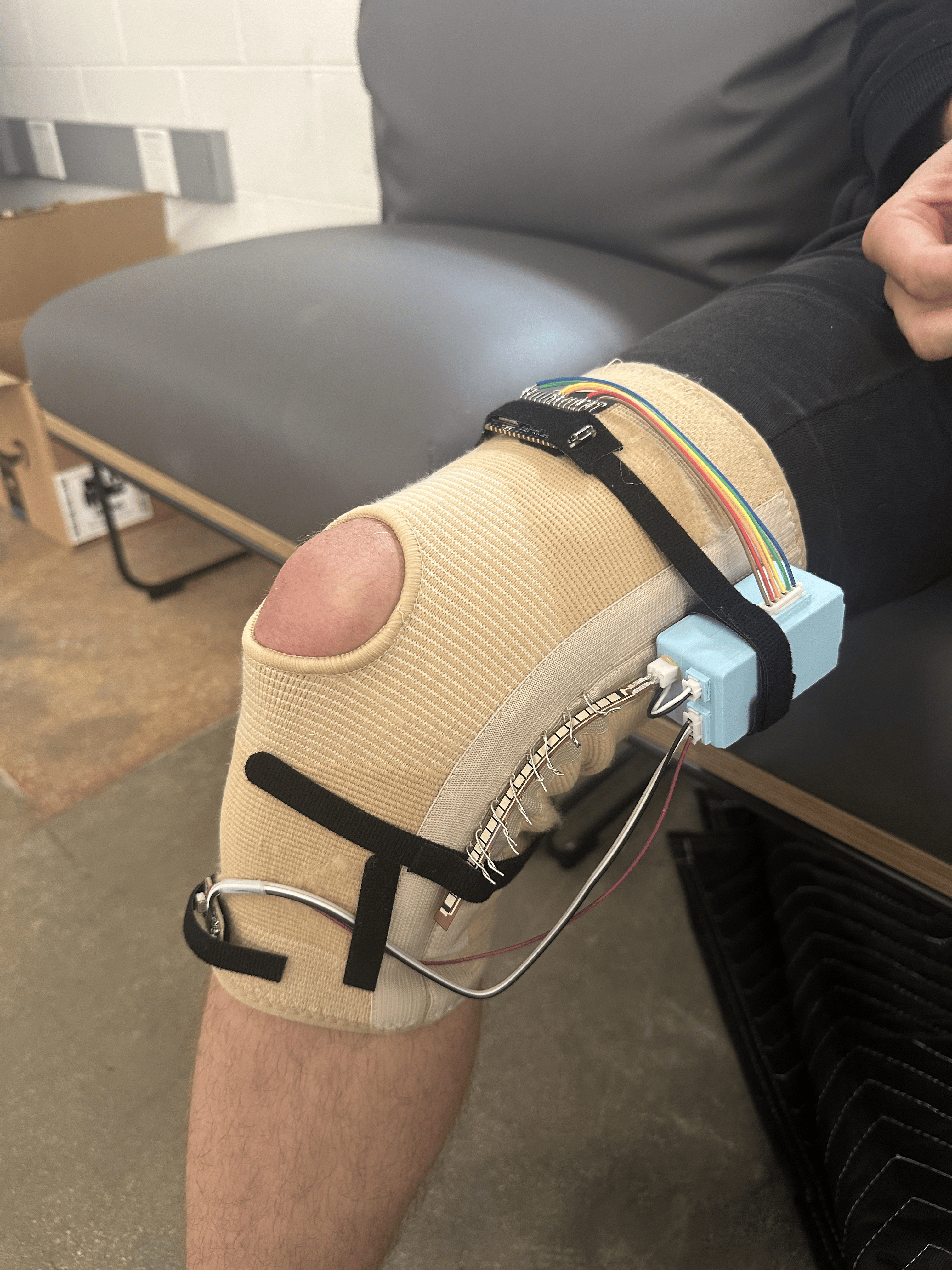
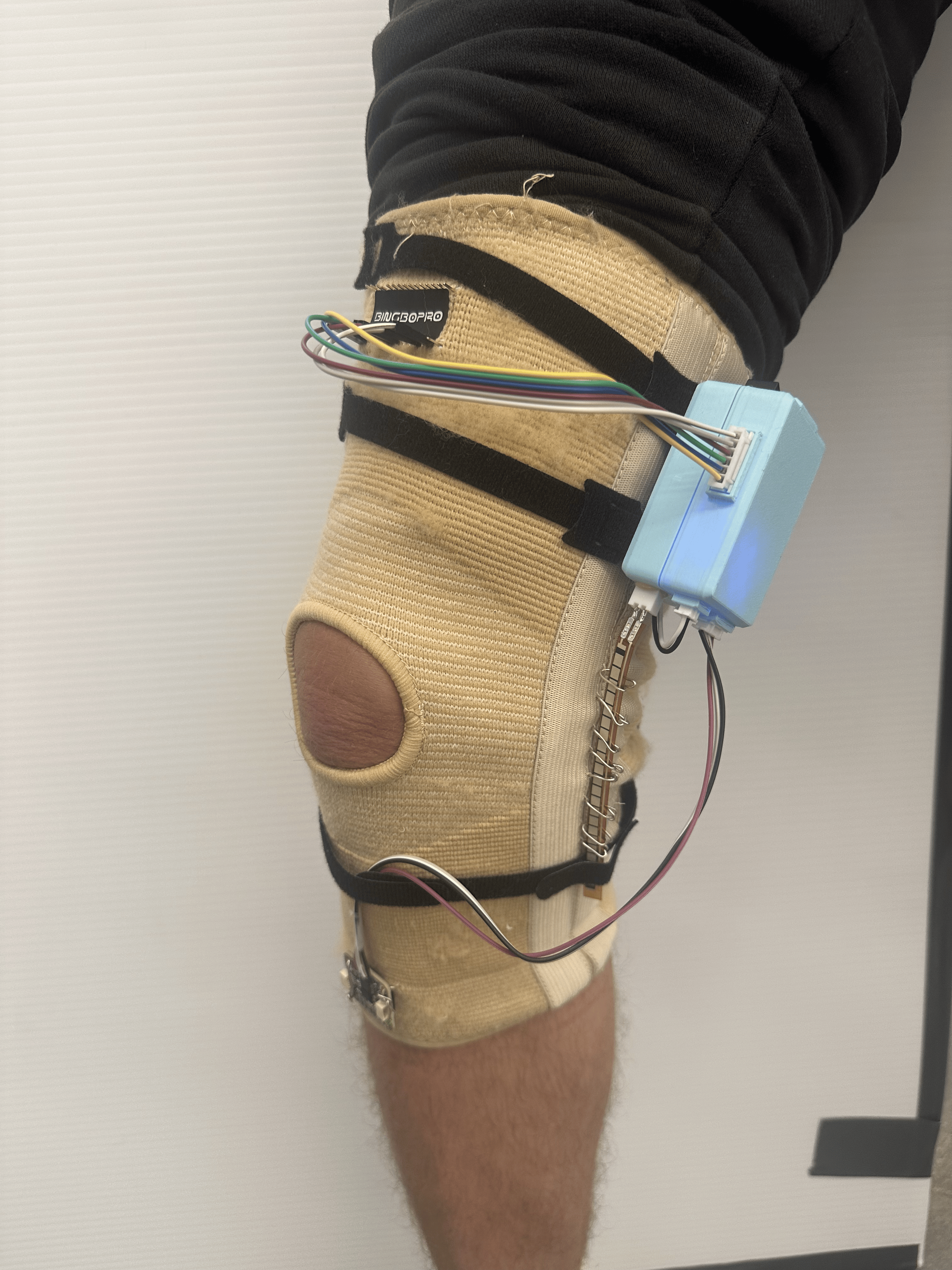
- Hardware: Knee brace with an IMU + flex sensor connected via Arduino BLE
- Mobile App (iOS): SwiftUI app for patients and physical therapists
- Backend: Supabase for authentication, rehab plans, and sensor data storage
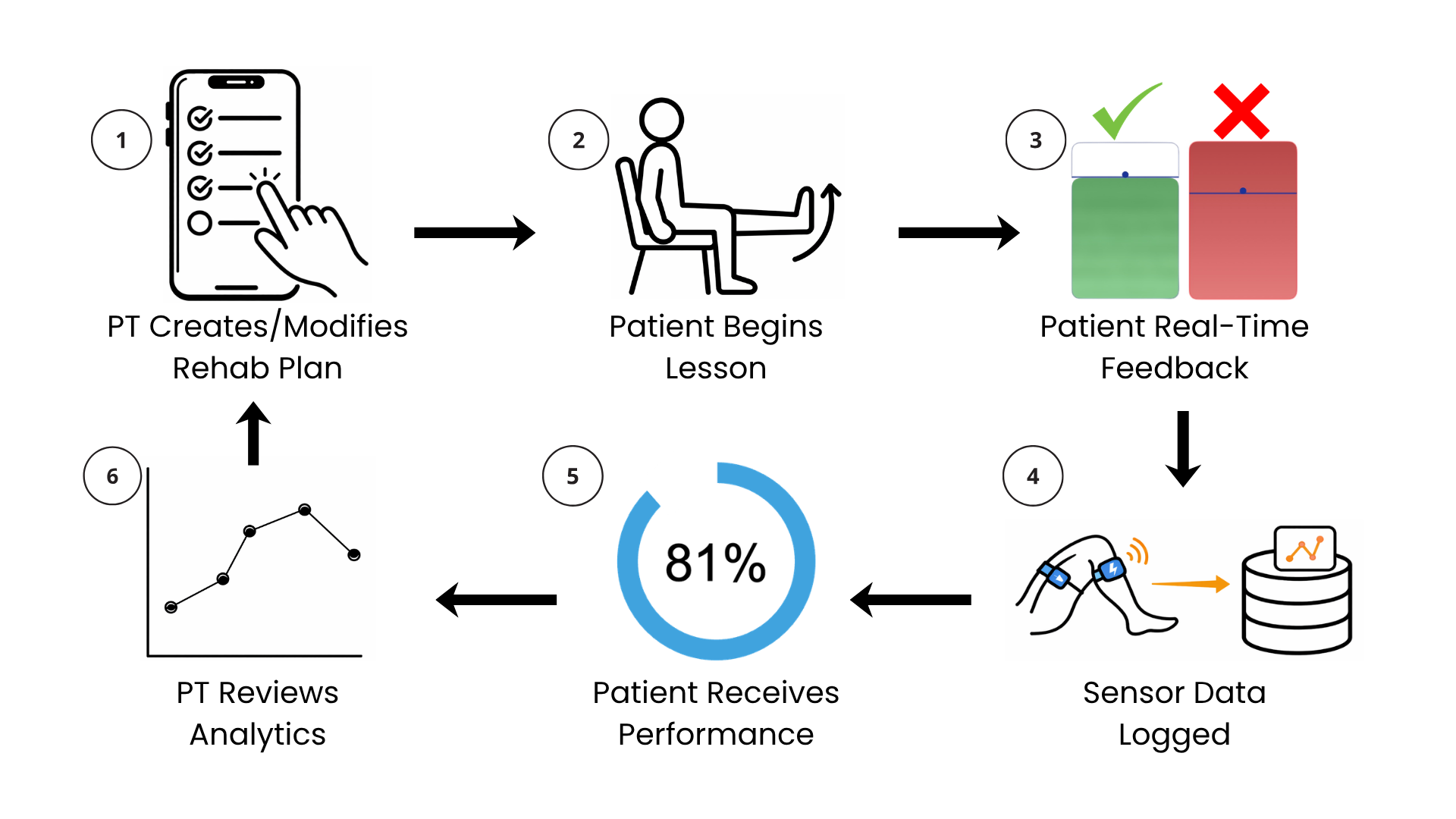
How It Works
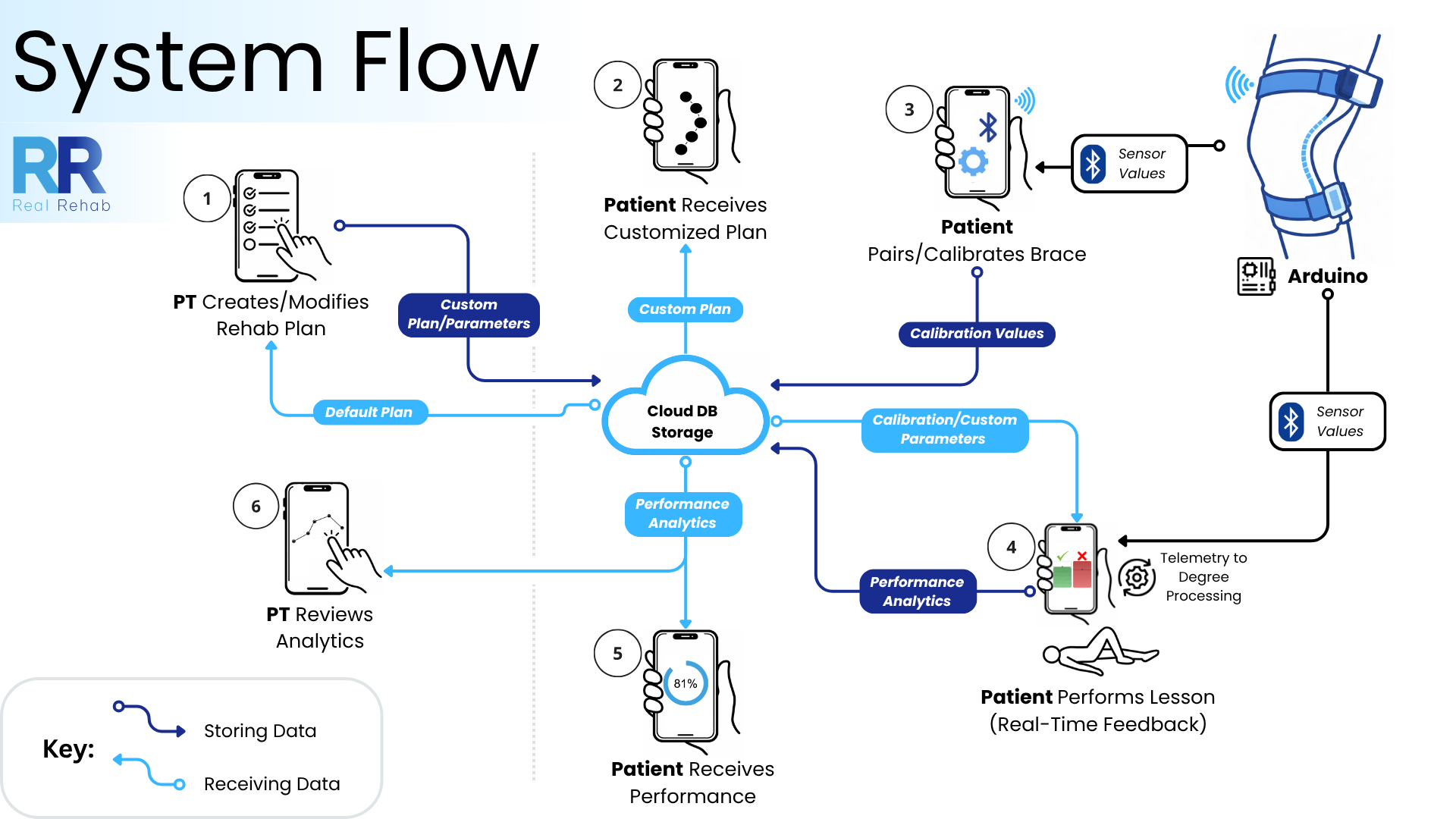
Patients:
- Perform guided rehab exercises
- Receive clear visual instructions and real-time feedback
- Track progress without manual logging
Physical Therapists:
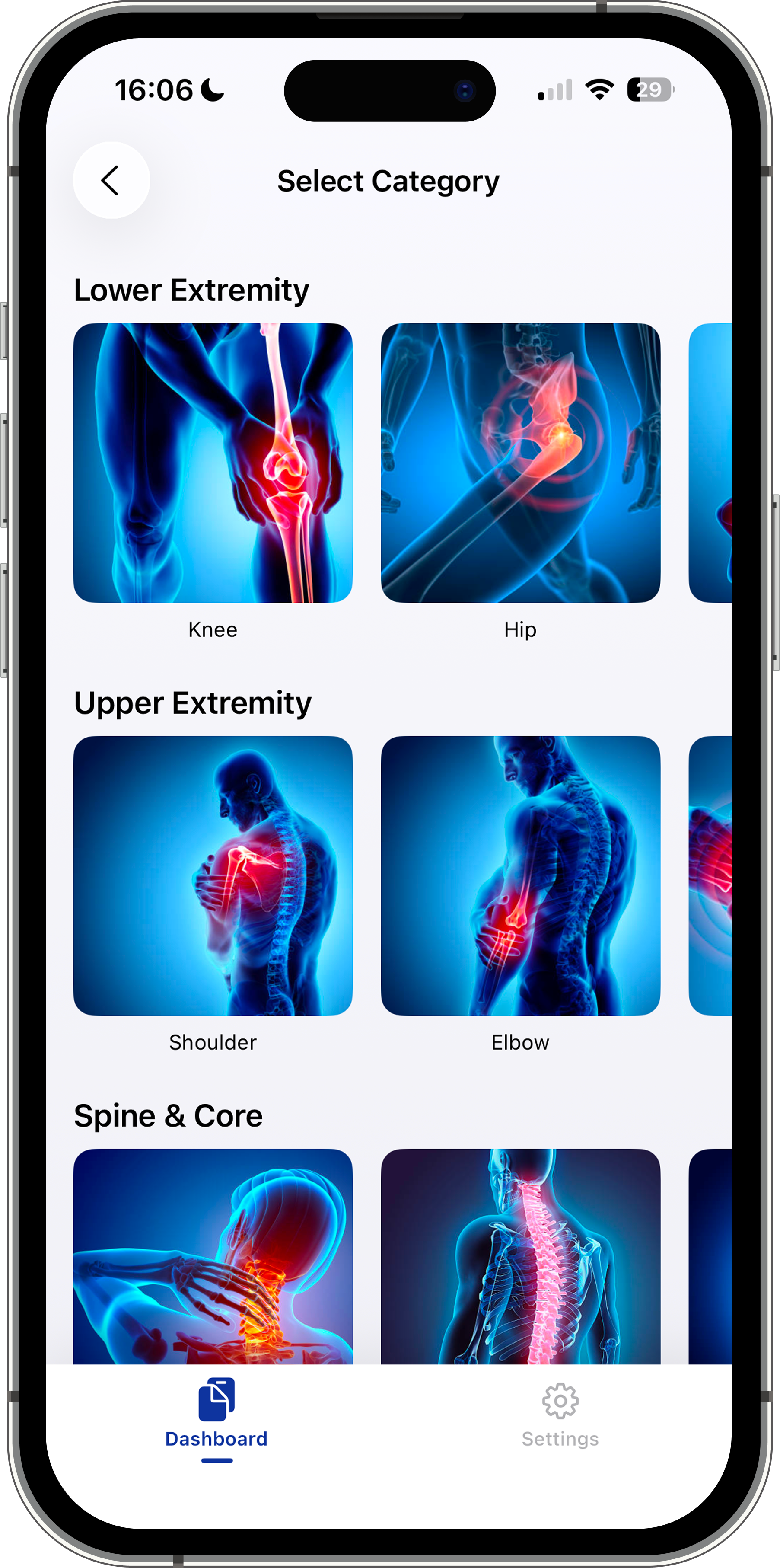
- Create and edit rehab plans
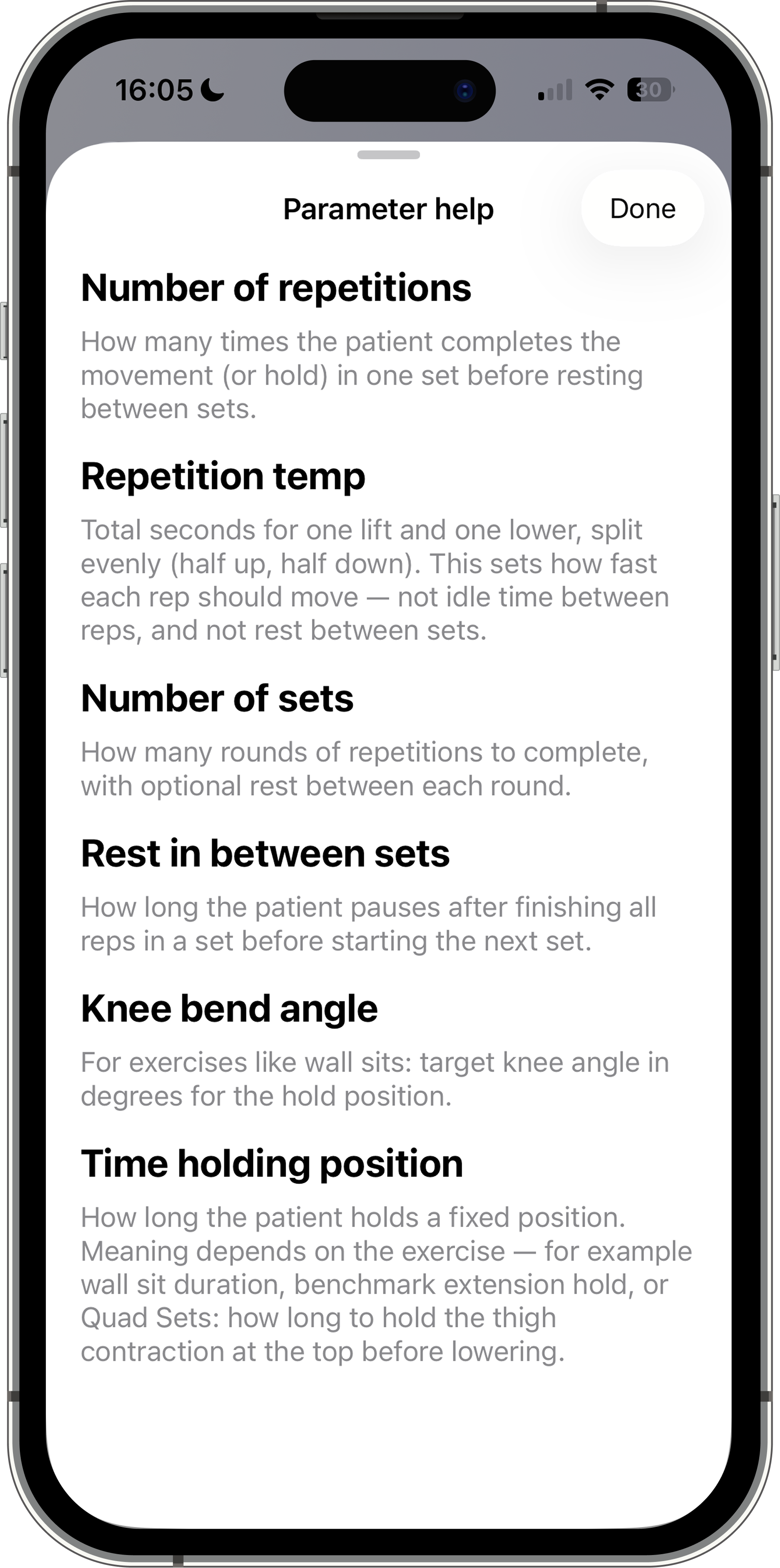
- Adjust exercise parameters (reps, rest, range)
- View patient analytics and make adjustments for future lessons remotely
Patient App Flow:
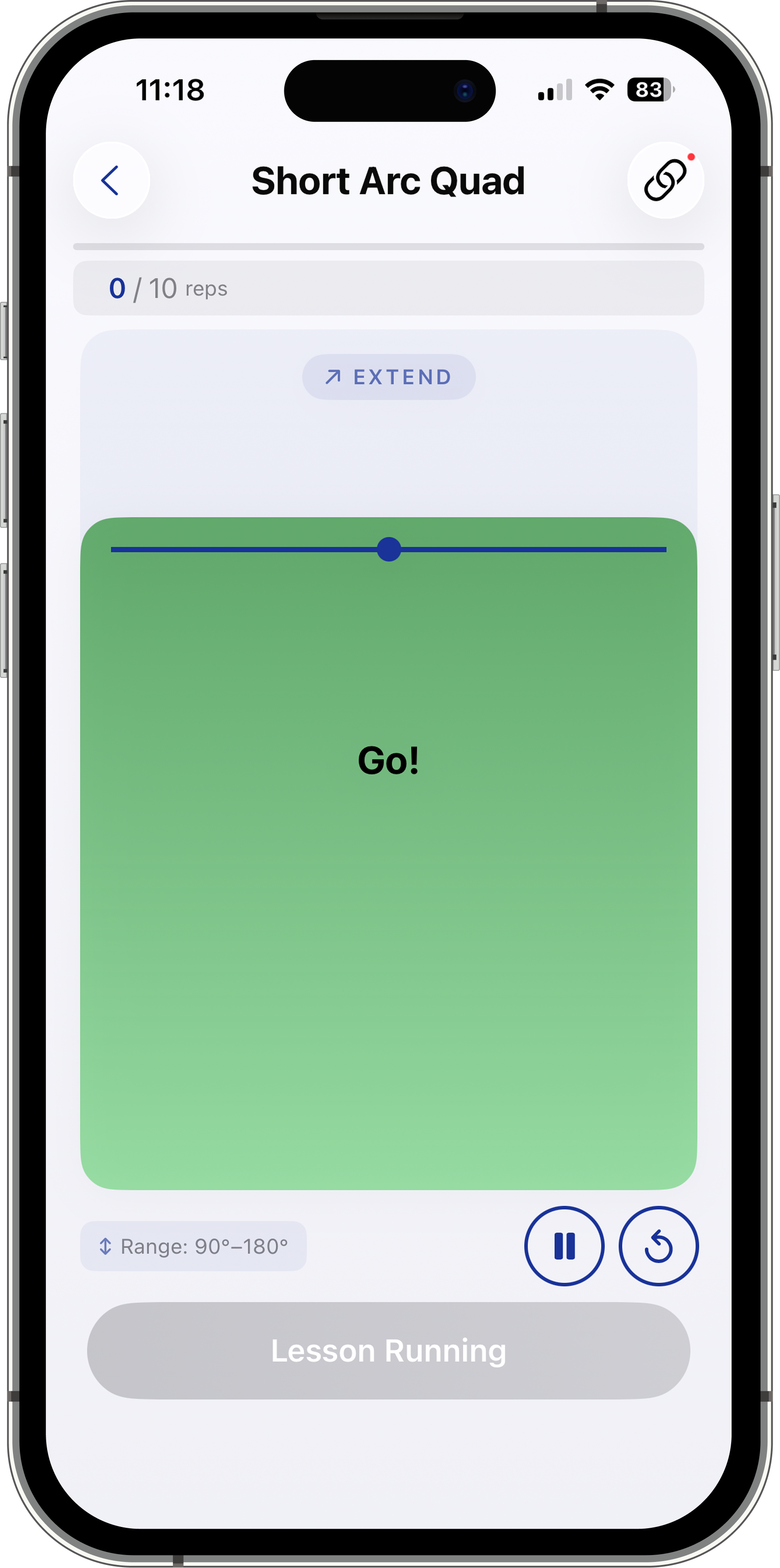
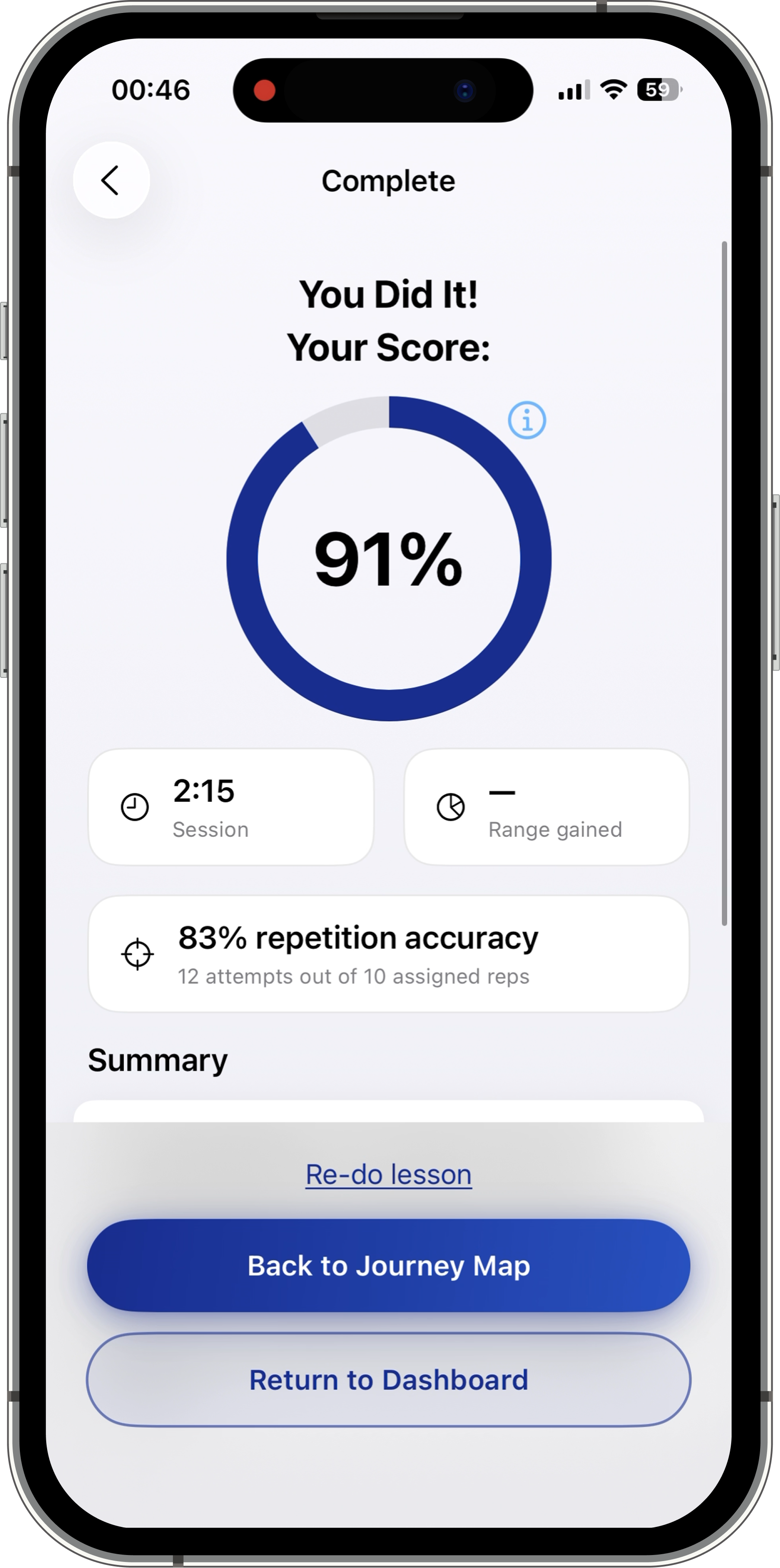
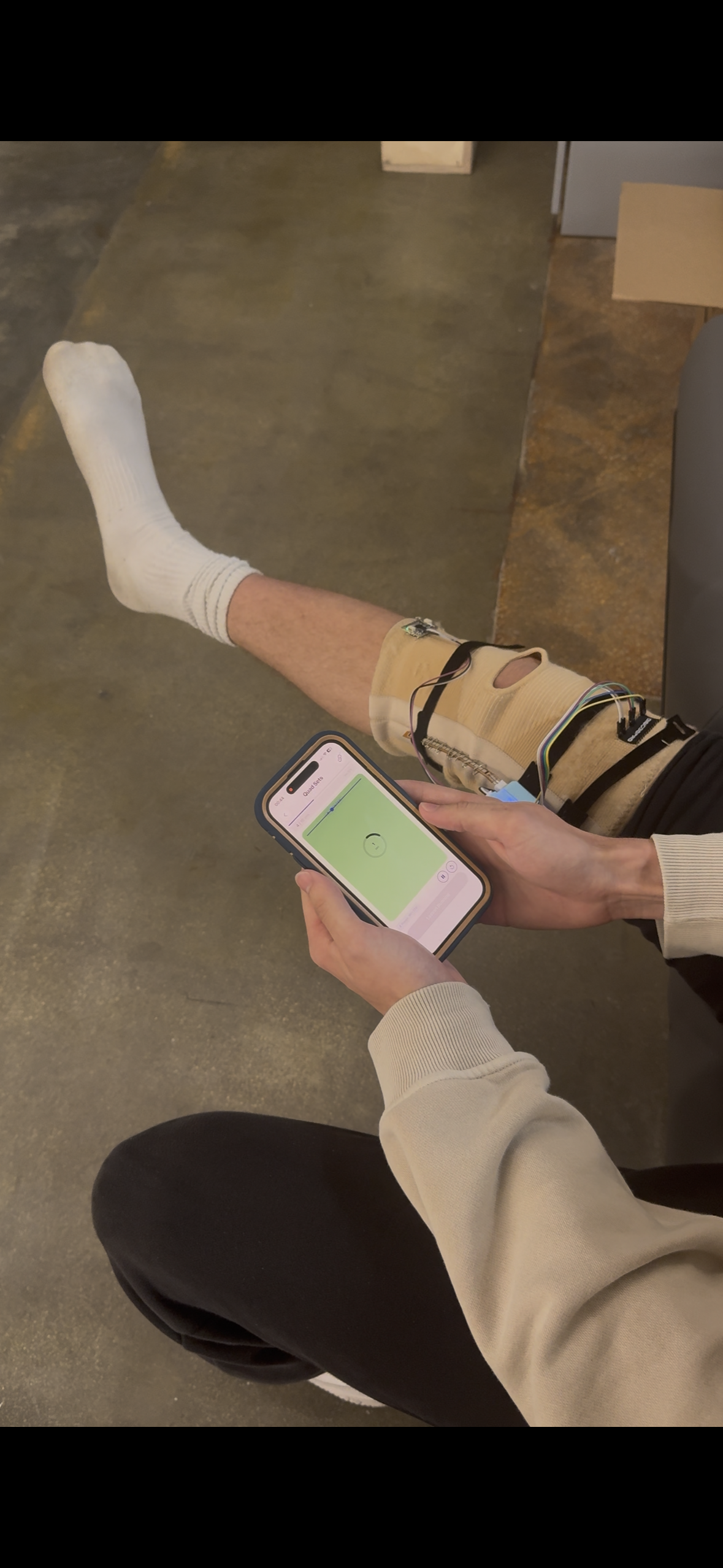
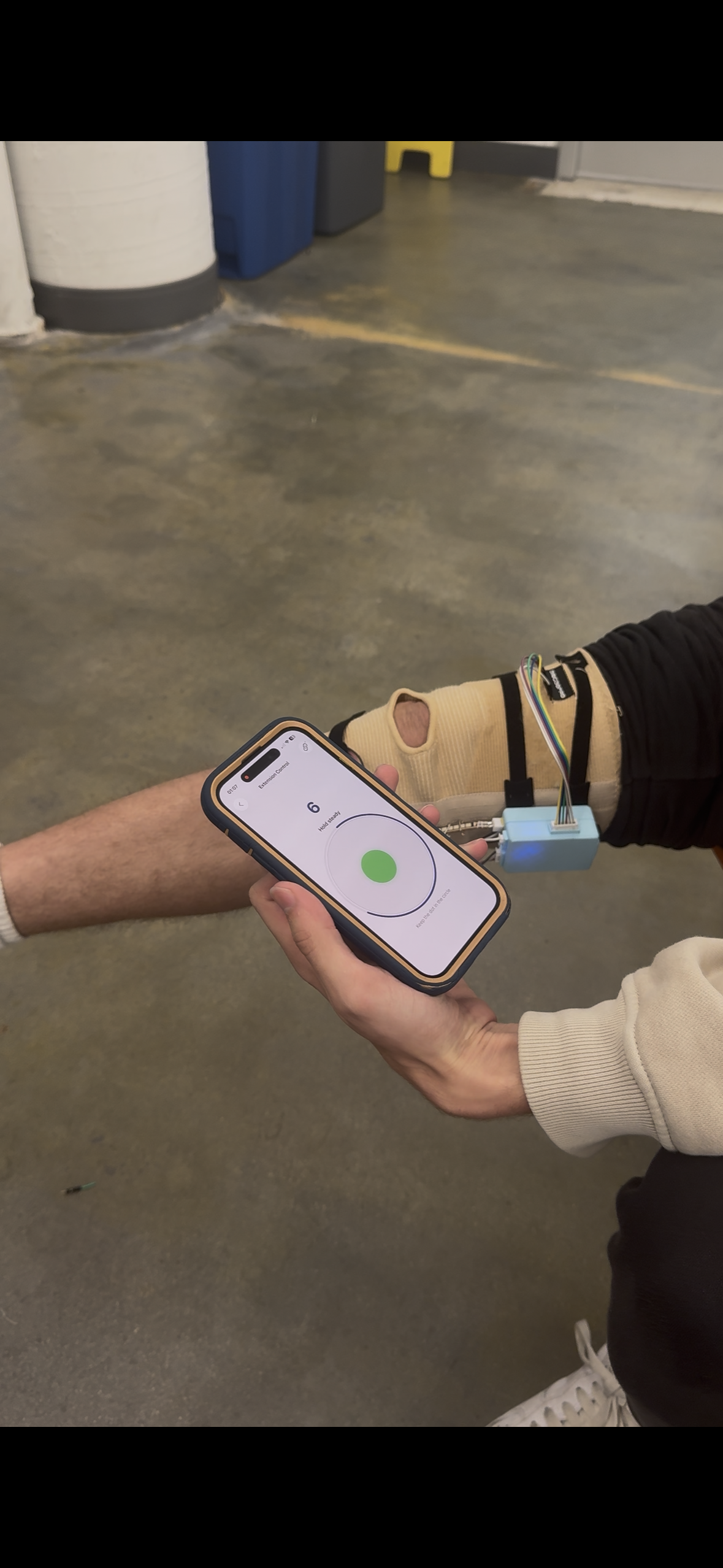
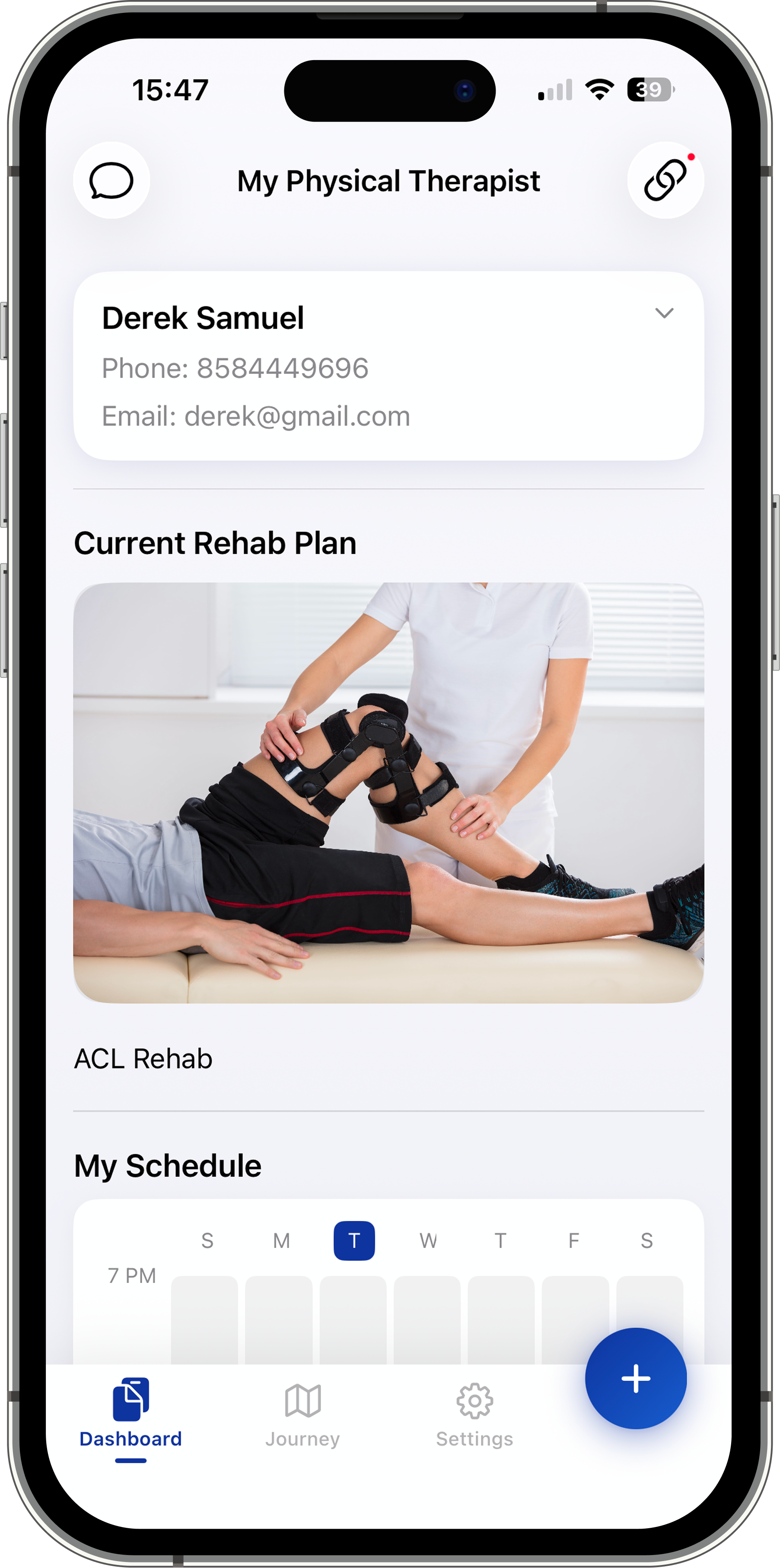
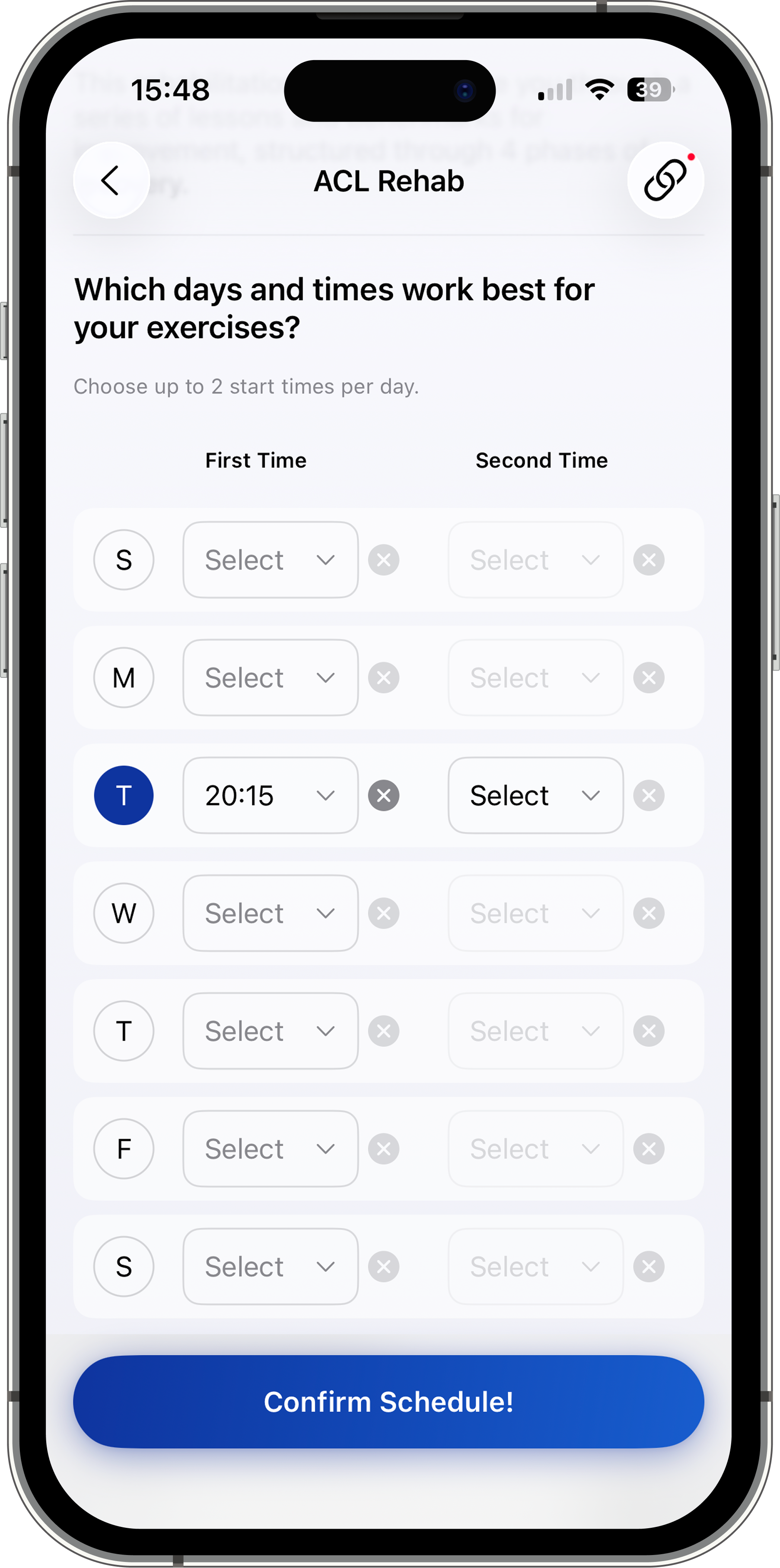
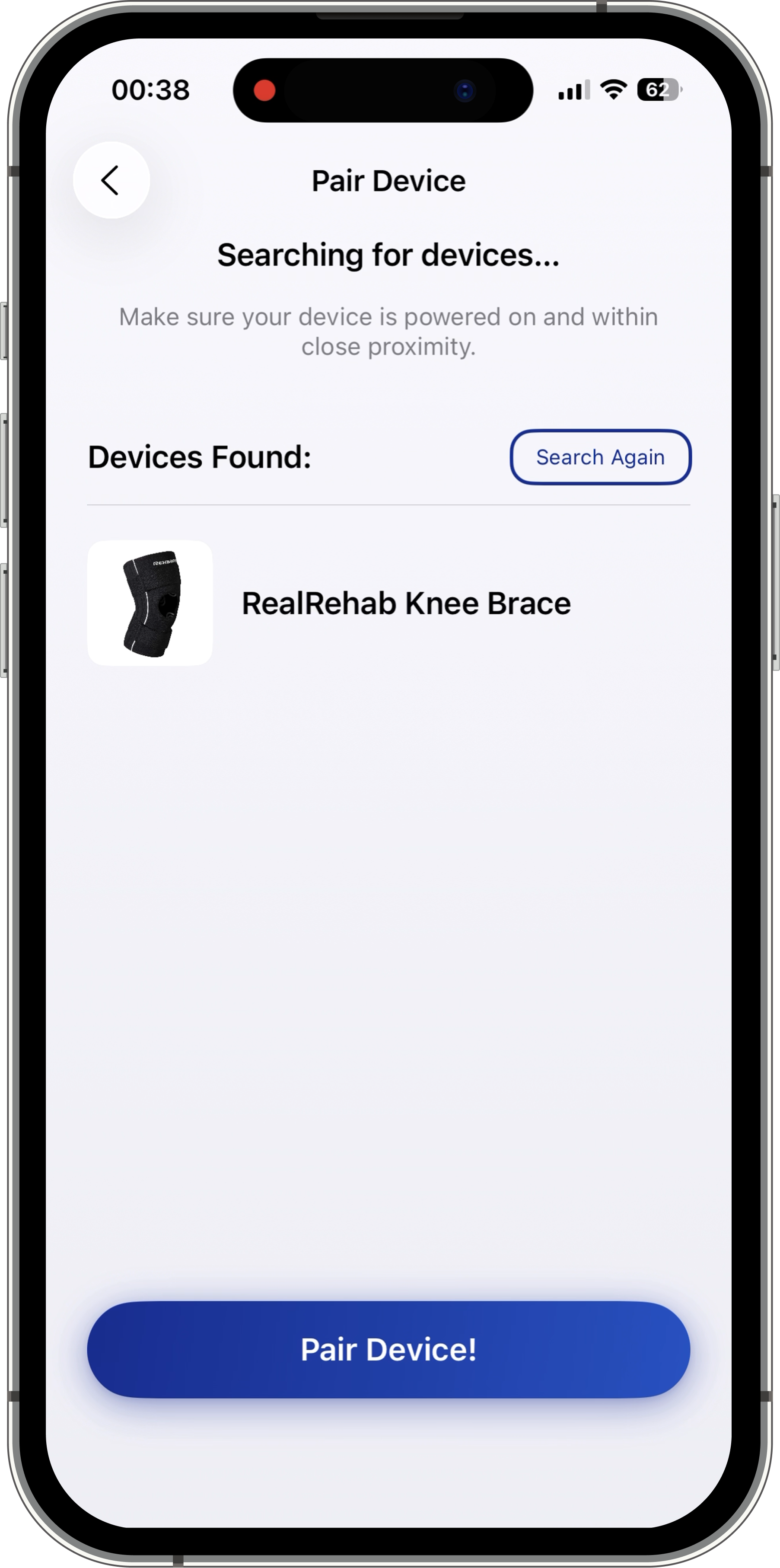
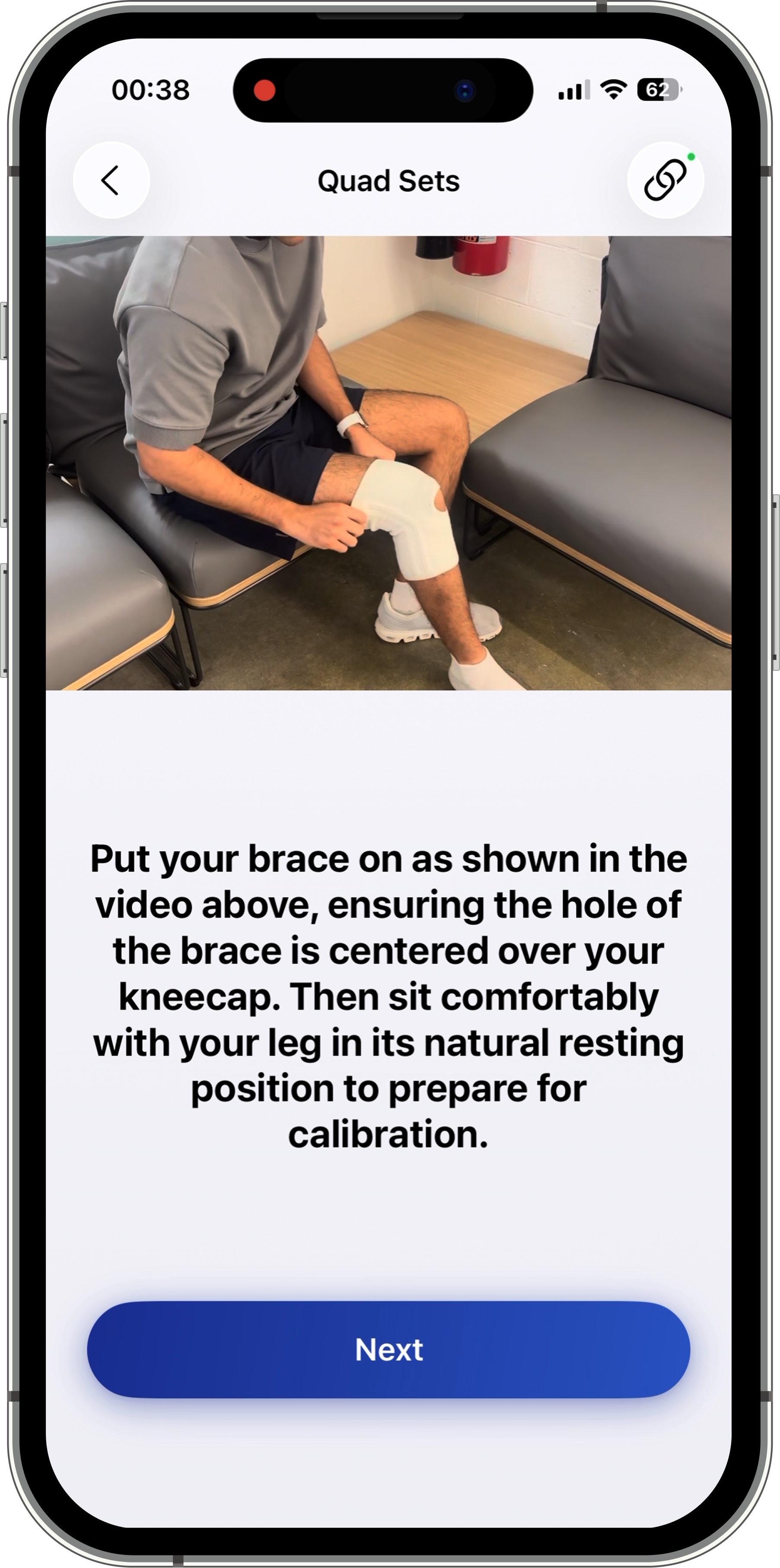
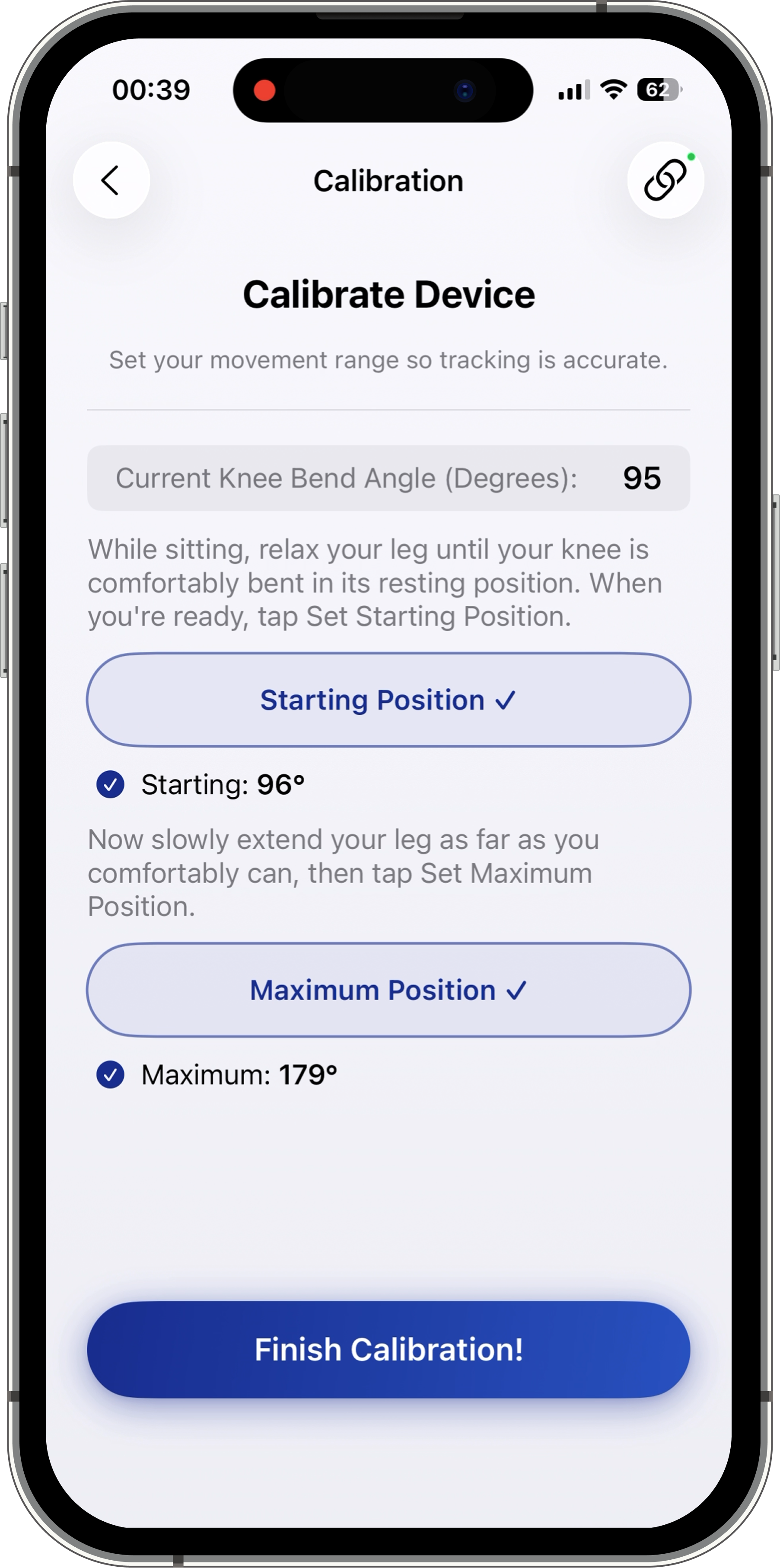
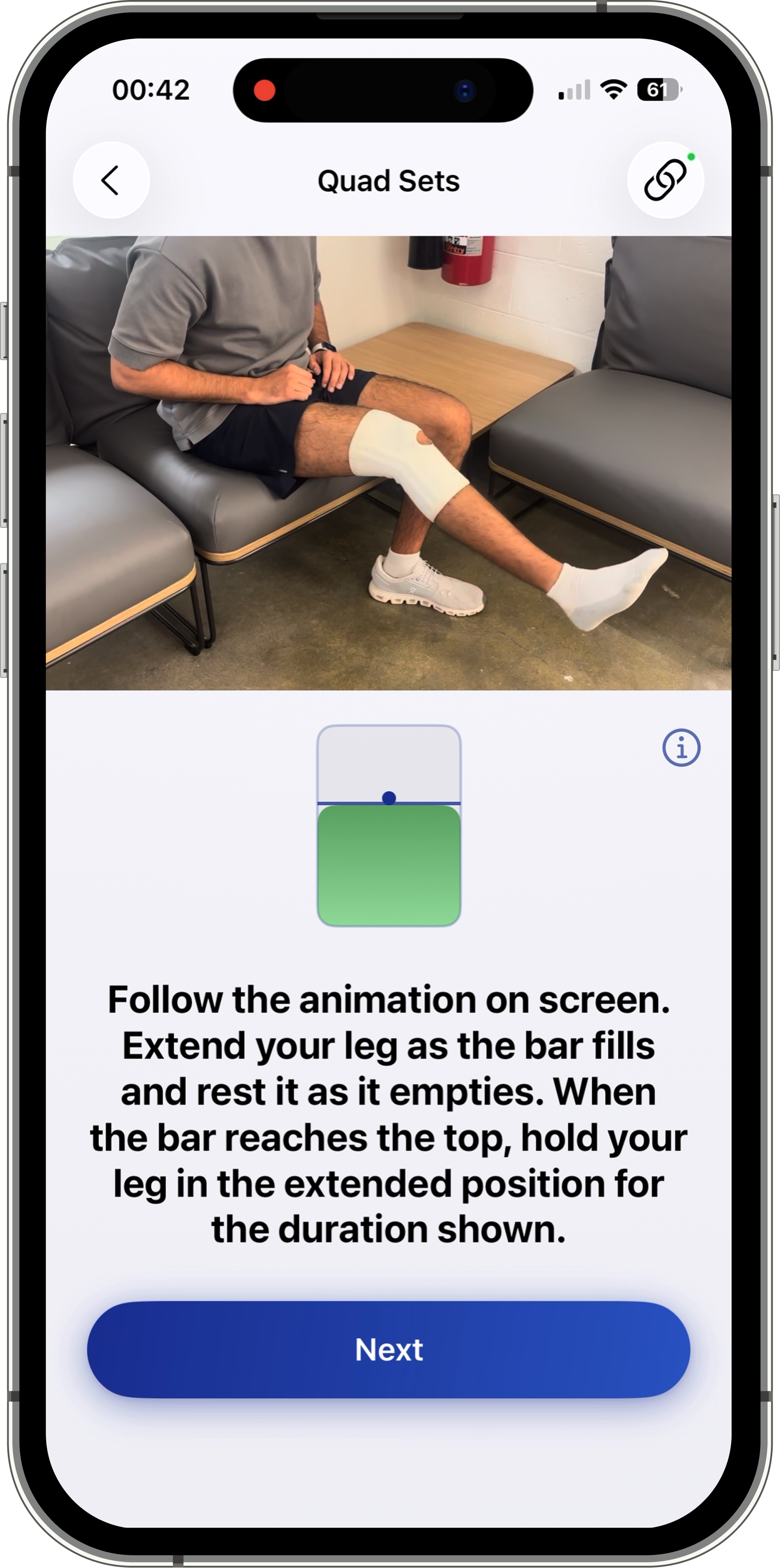
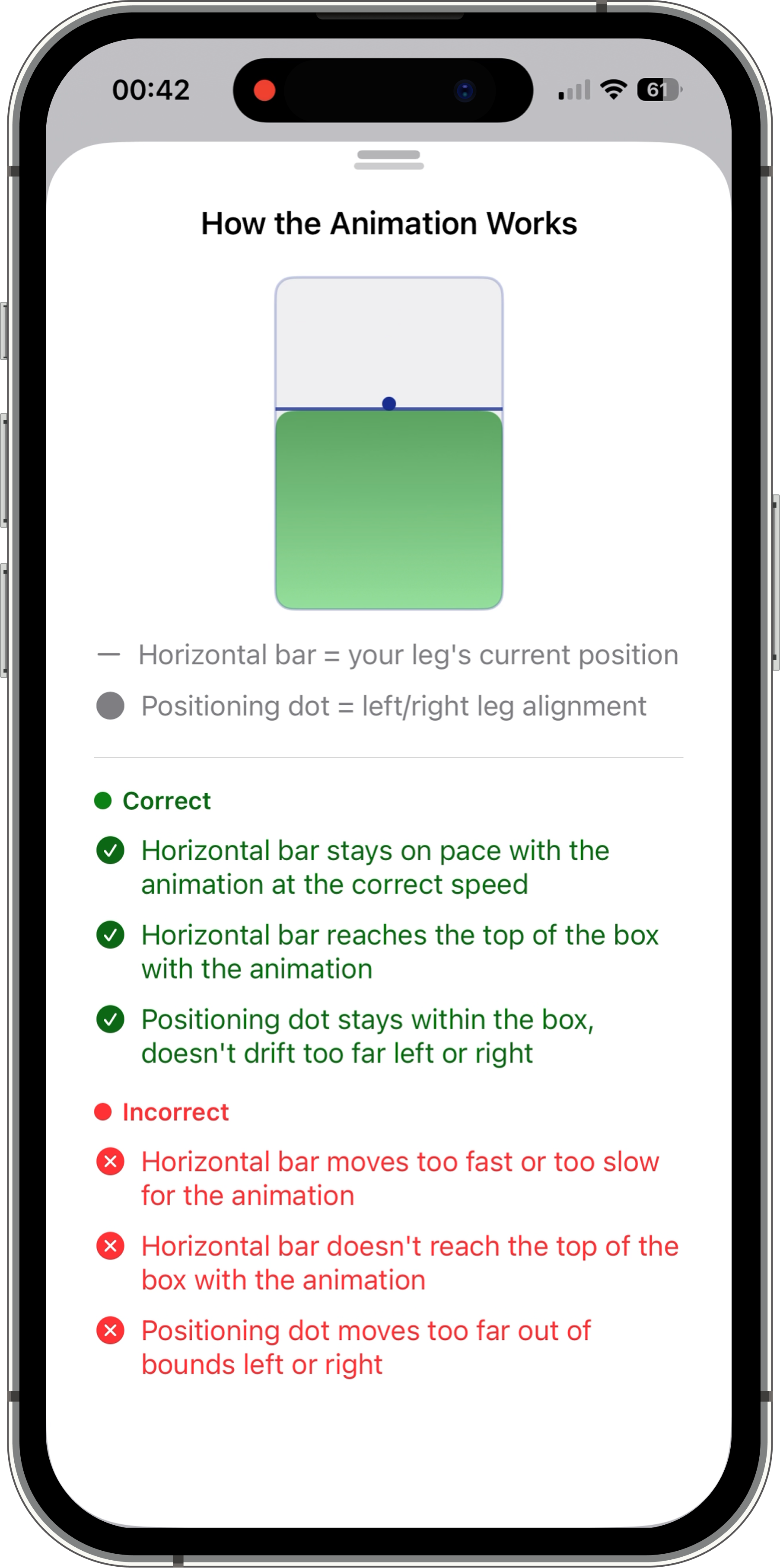
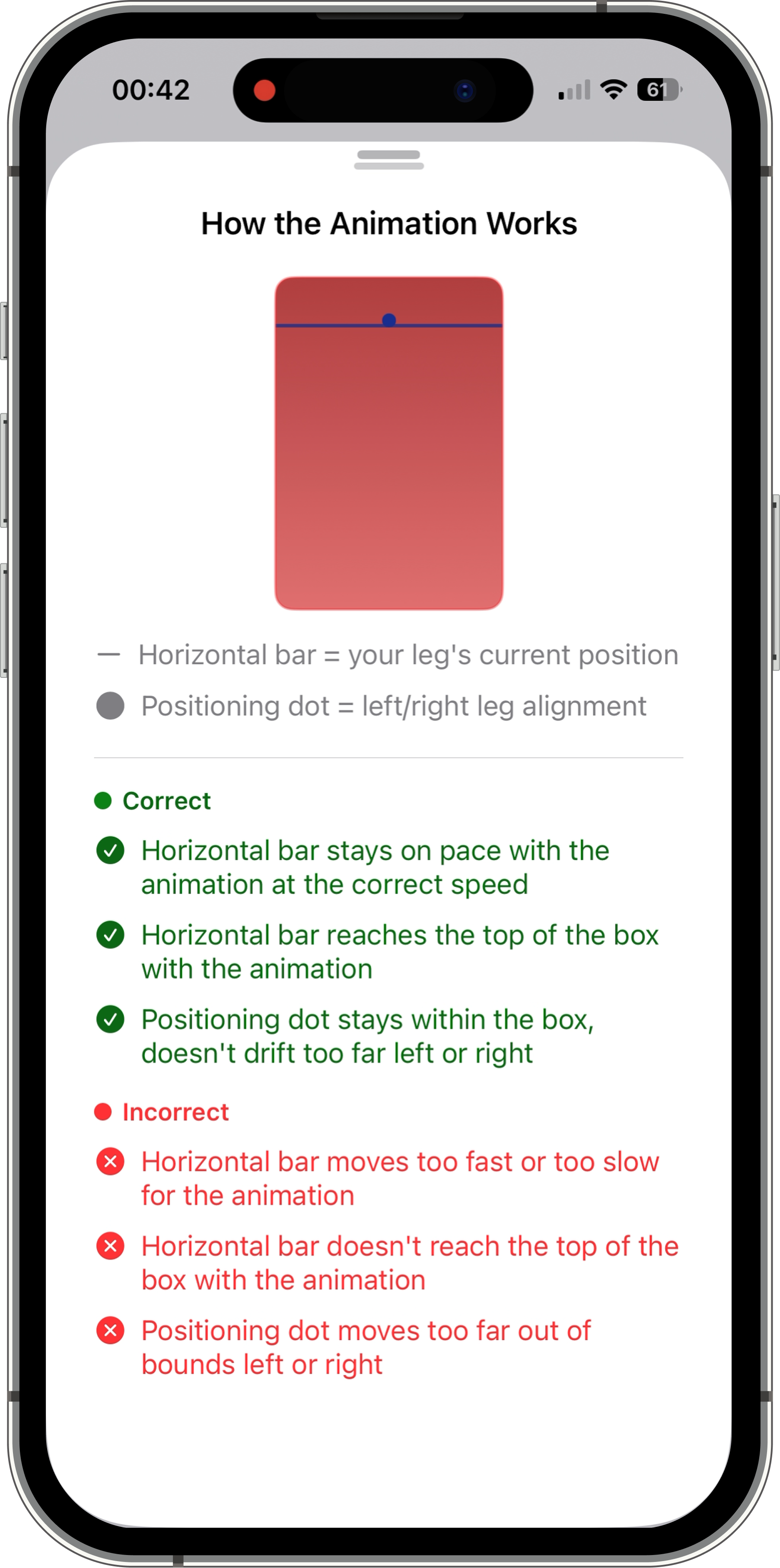
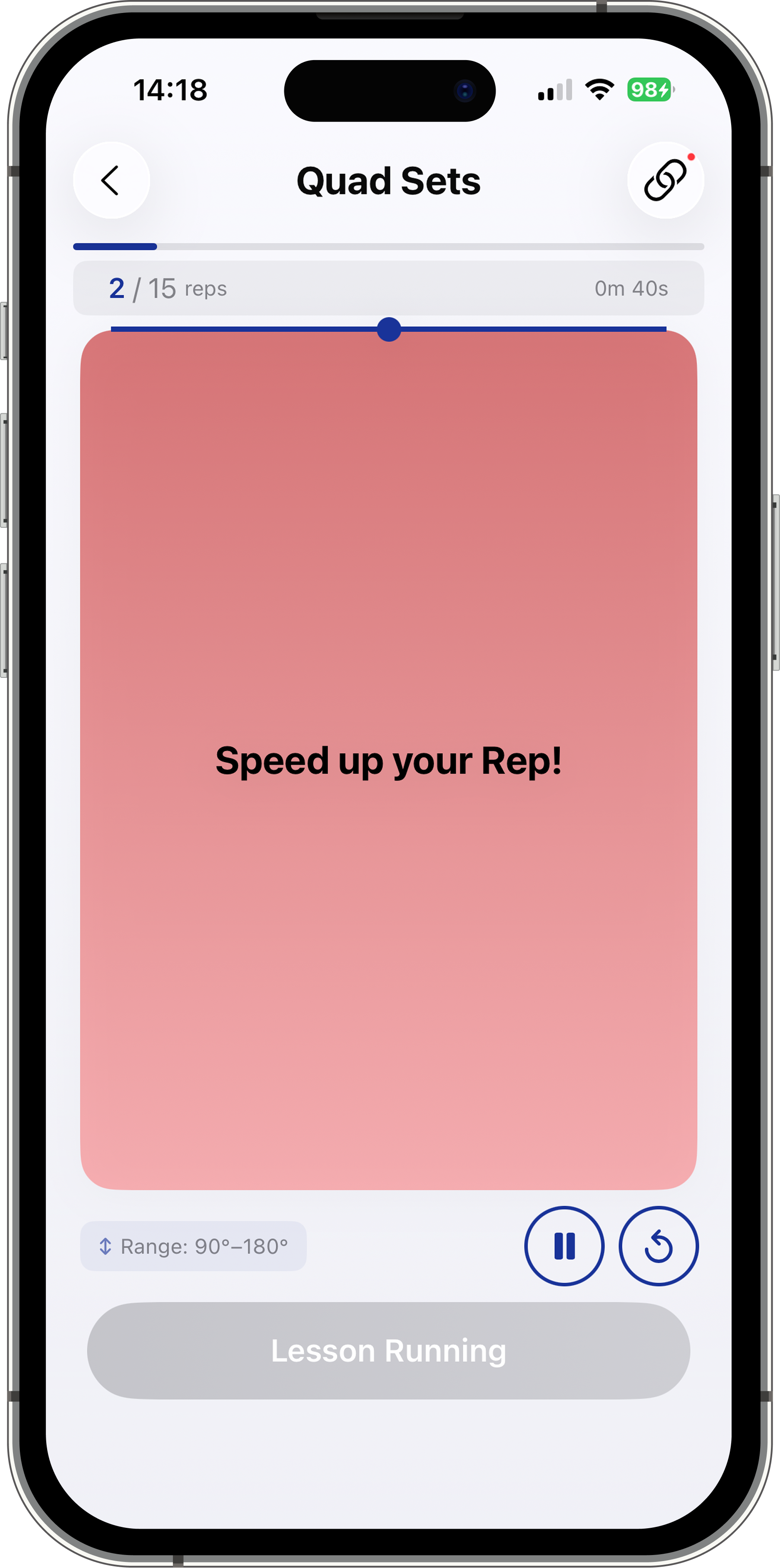
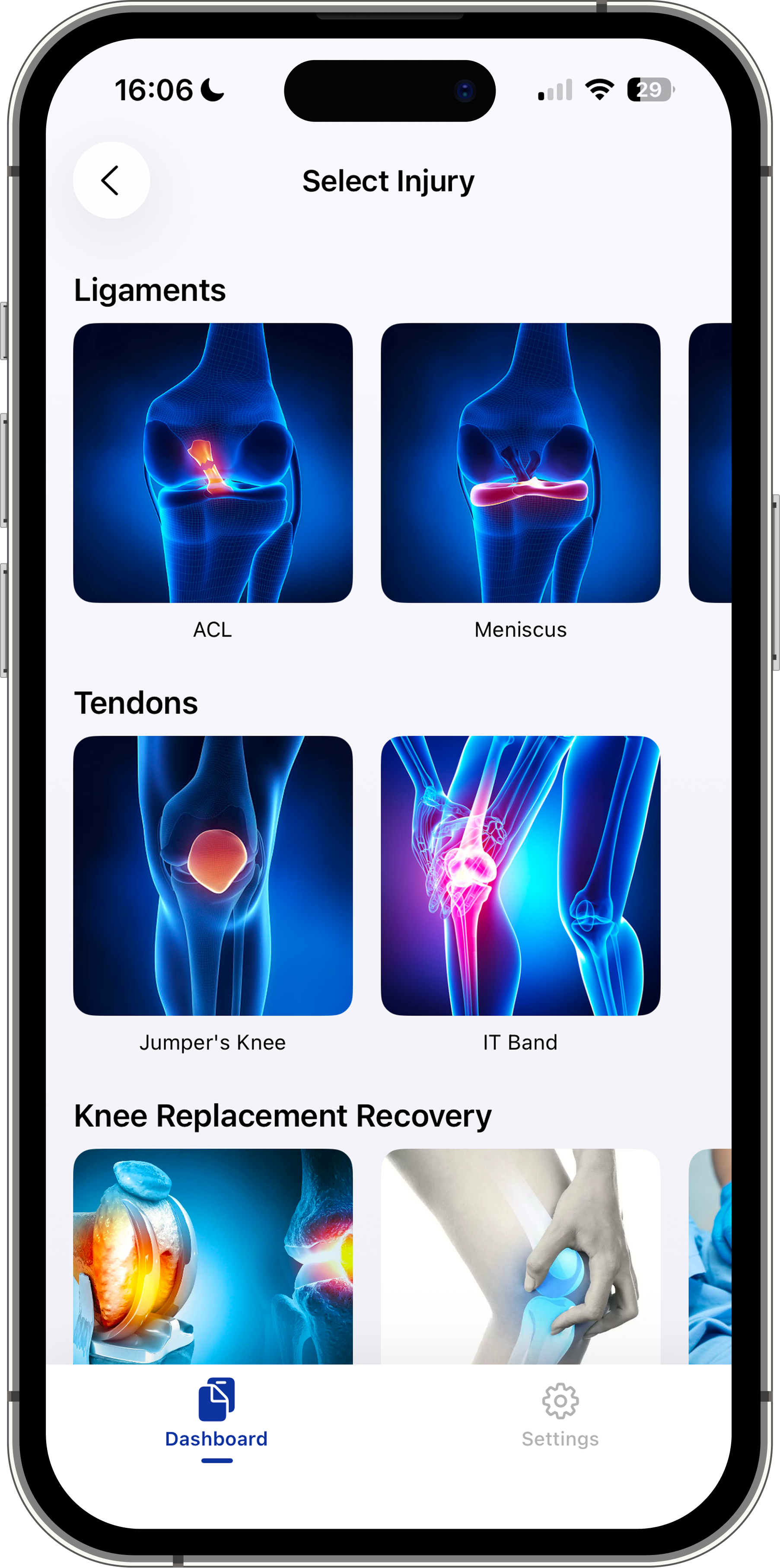
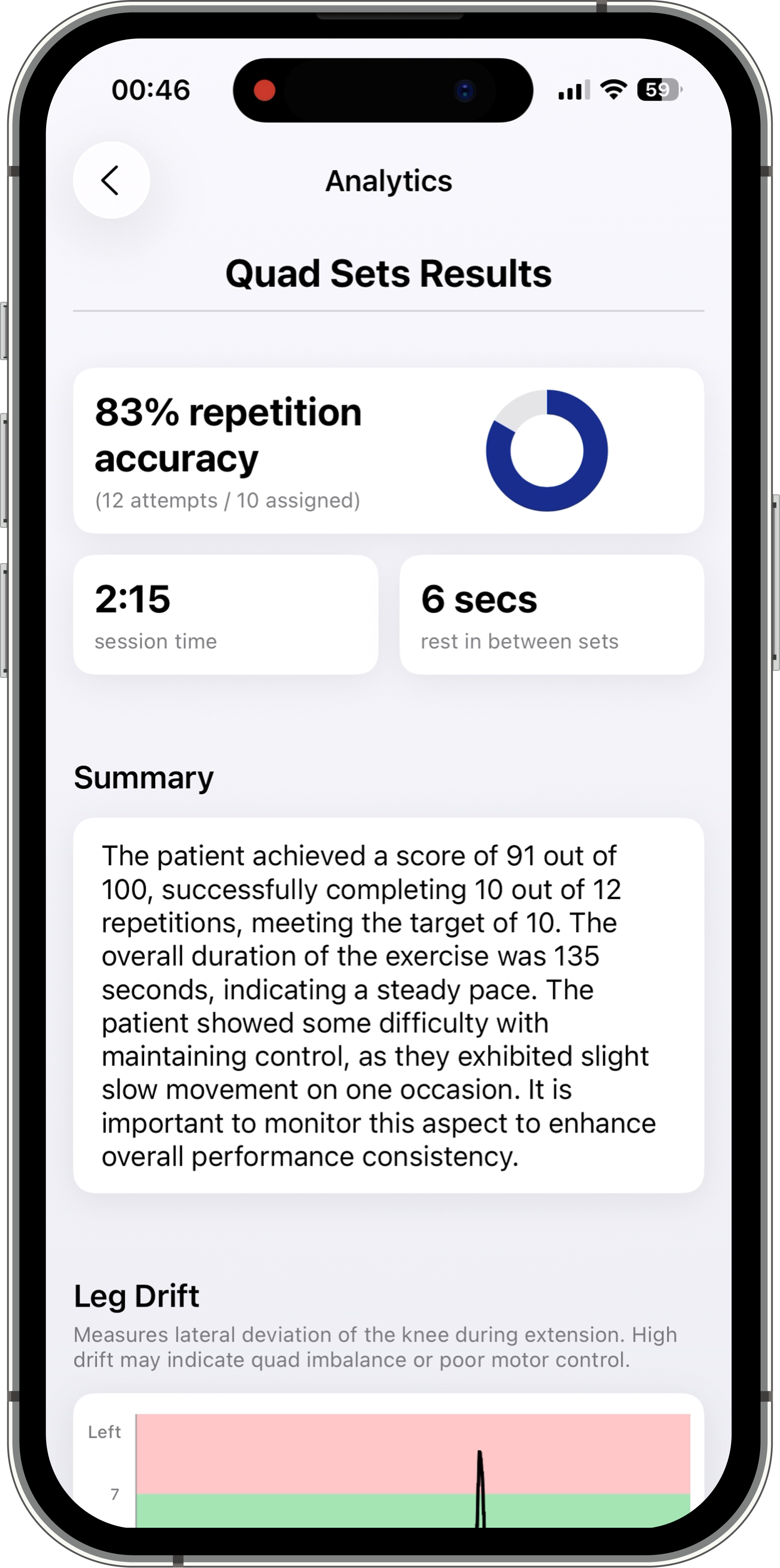
Patients log into the app and connect to their physical therapist using a secure access code, after which they are taken to a personalized dashboard displaying their assigned rehabilitation plan, which includes up to four lesson types (Quad Sets, Heel Slides, Knee Extensions, and Short Arc Quads) and two benchmark tests (Short Arc Quad Control and Extension Control), where the patient must hold a specific position for a PT-prescribed duration to demonstrate readiness to progress. Before starting a lesson, patients can watch guided instruction demo videos and view an animation preview so they know exactly how to perform each exercise correctly. During the lesson, the brace sensors provide real-time visual feedback on form. Afterward, patients can review an overall performance score and an AI-generated lesson summary that highlights what they did well and what to focus on for next time, based on their session sensor data.
Patient Score Calculation
Importance:
High
Low
Physical Therapist App Flow:
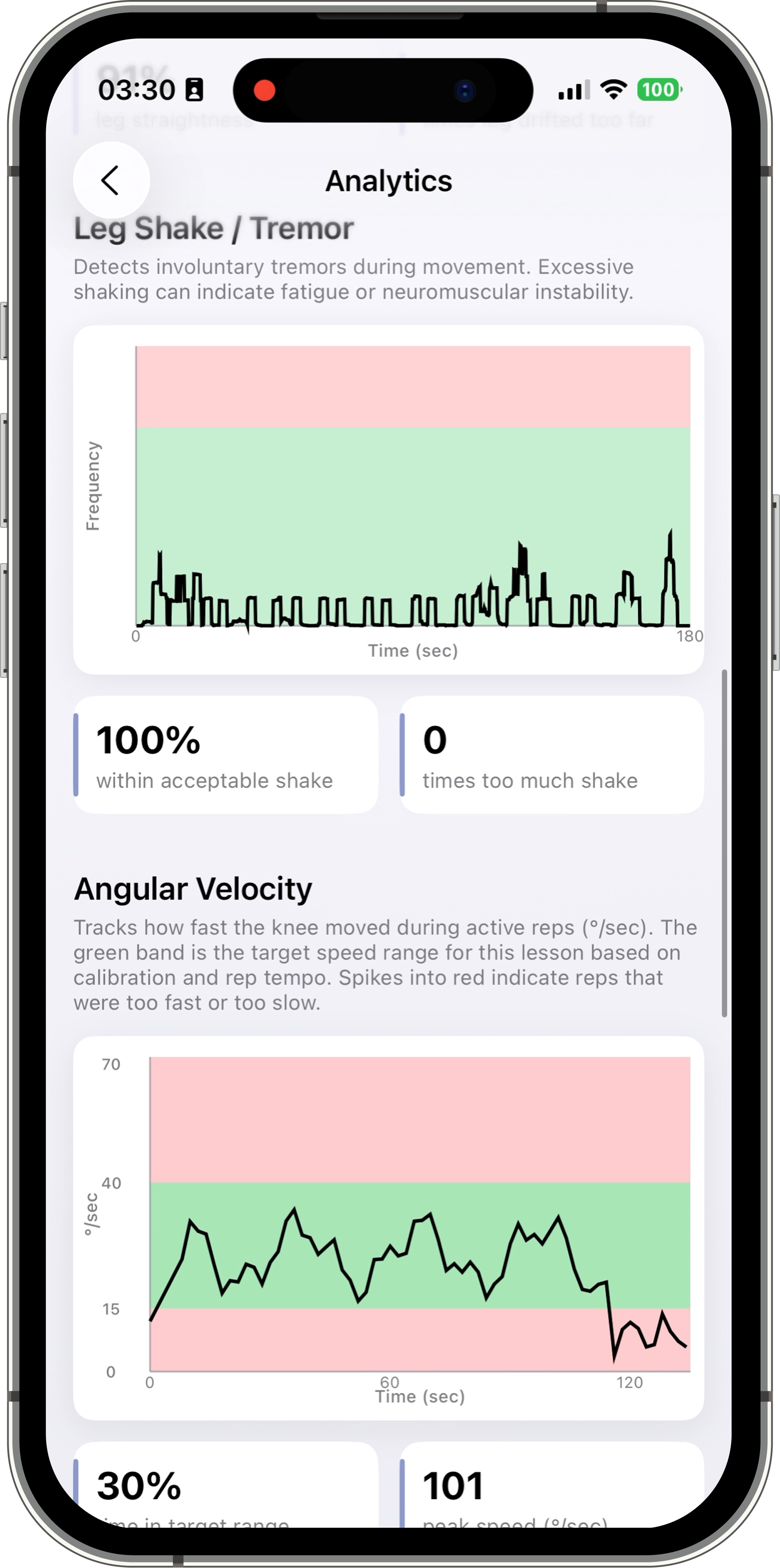
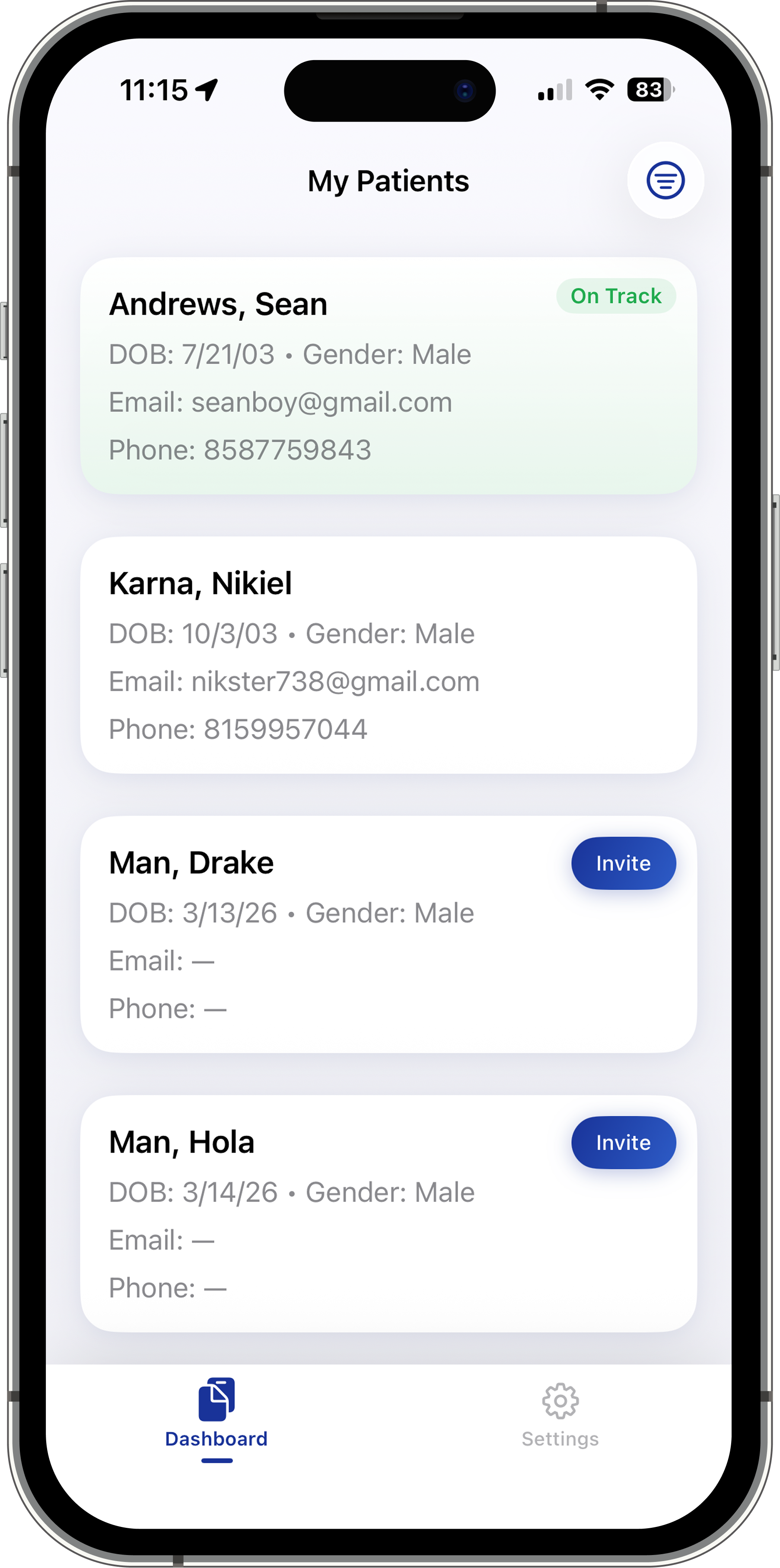
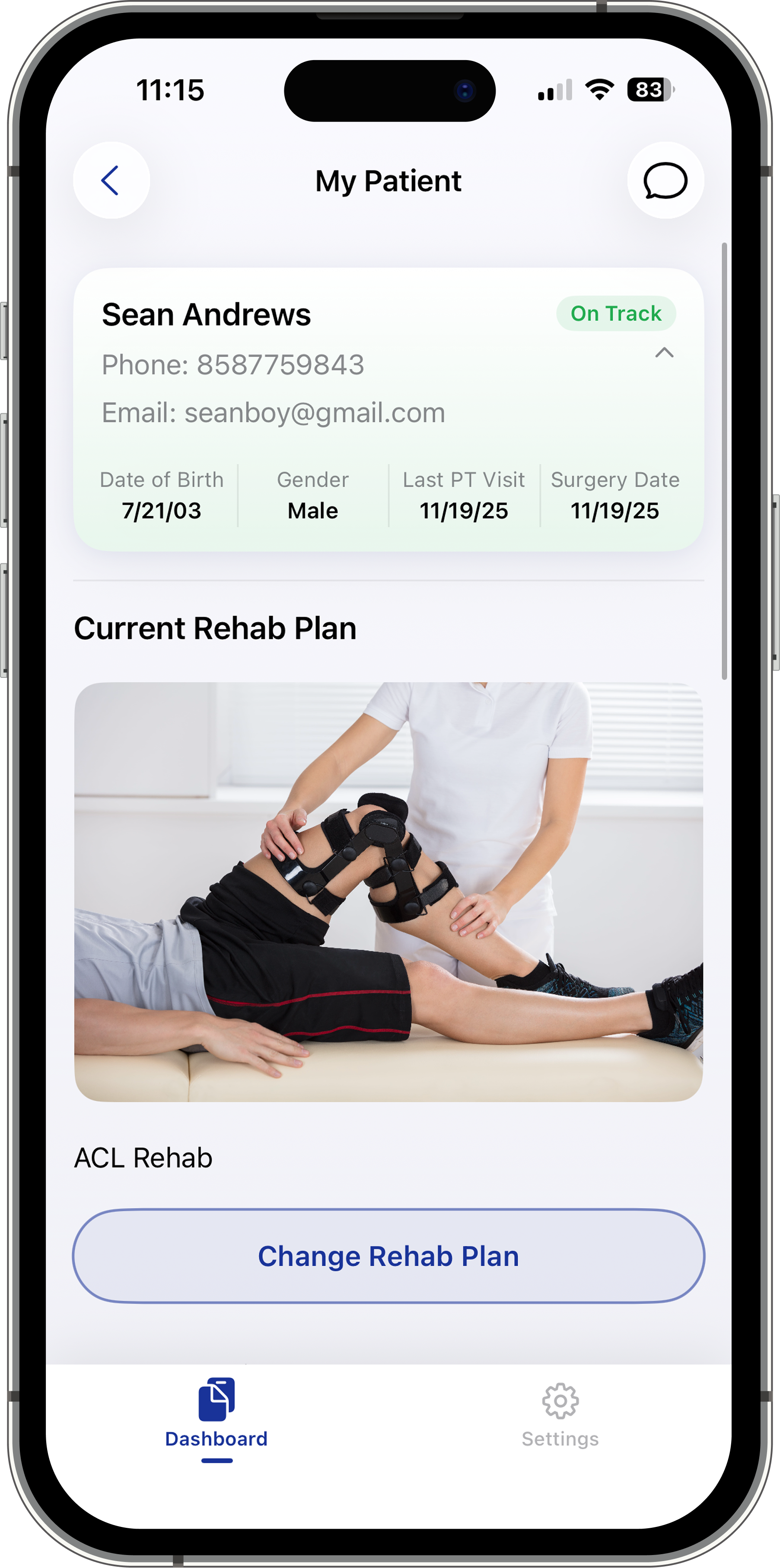
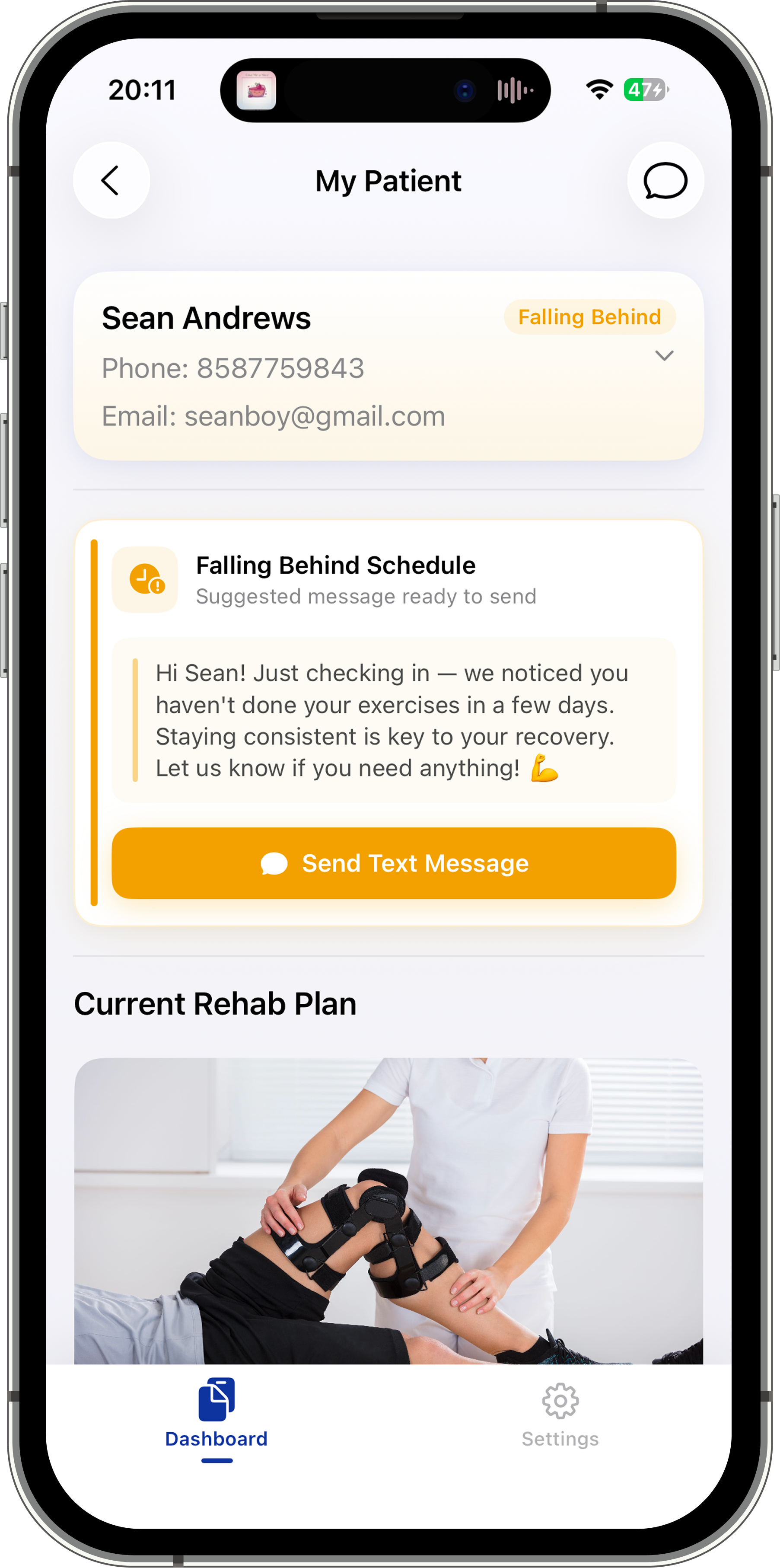
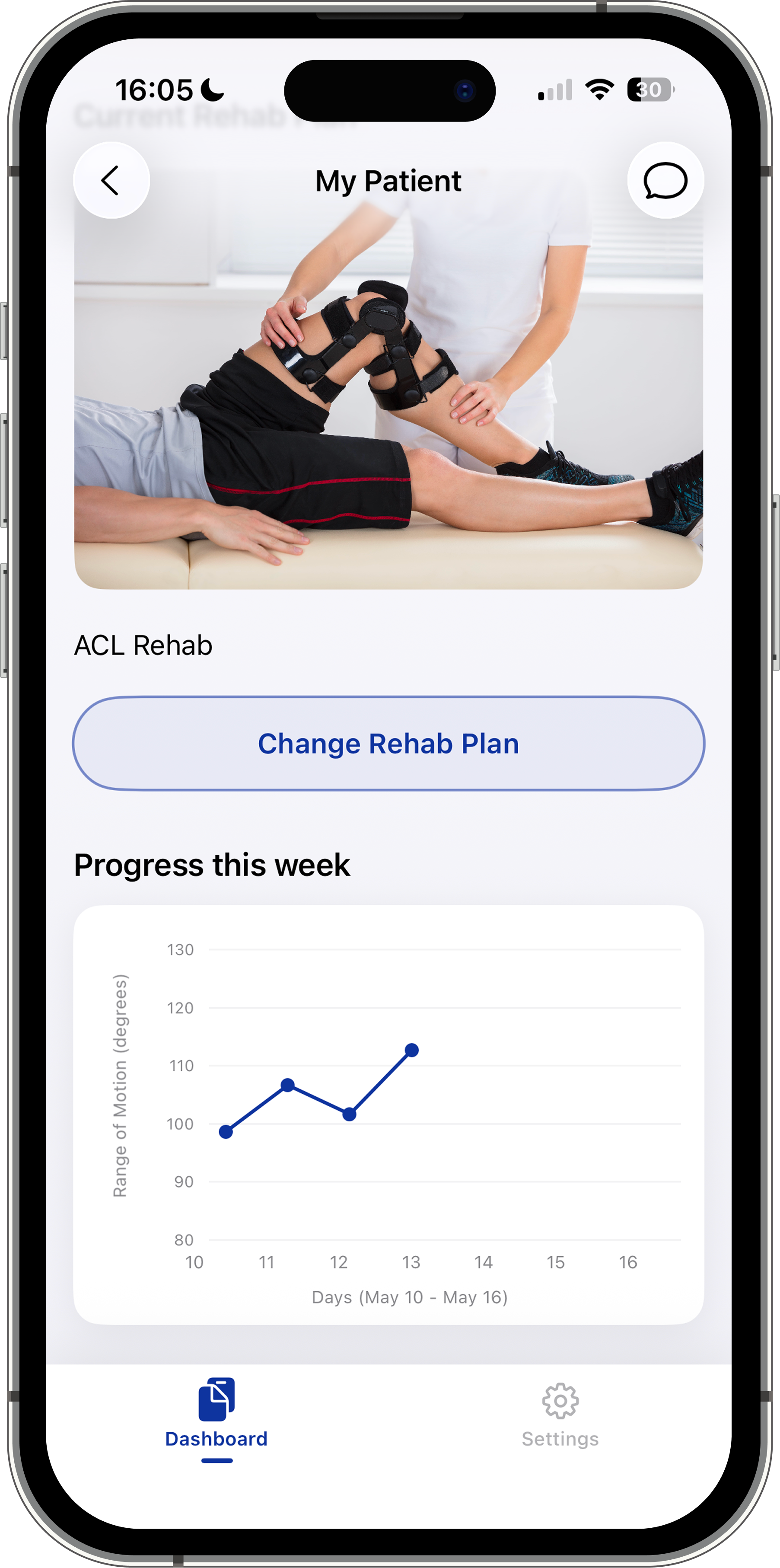
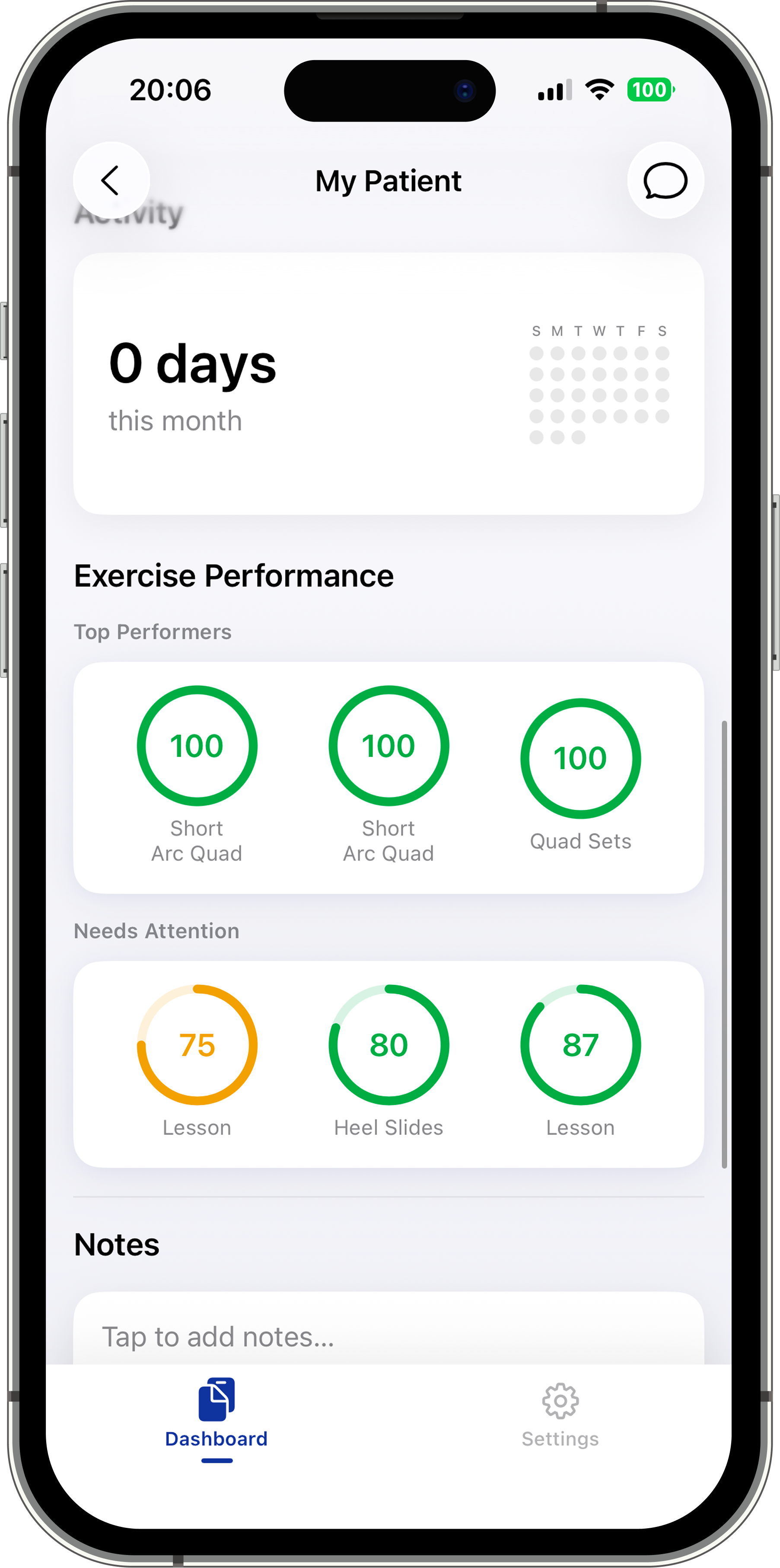
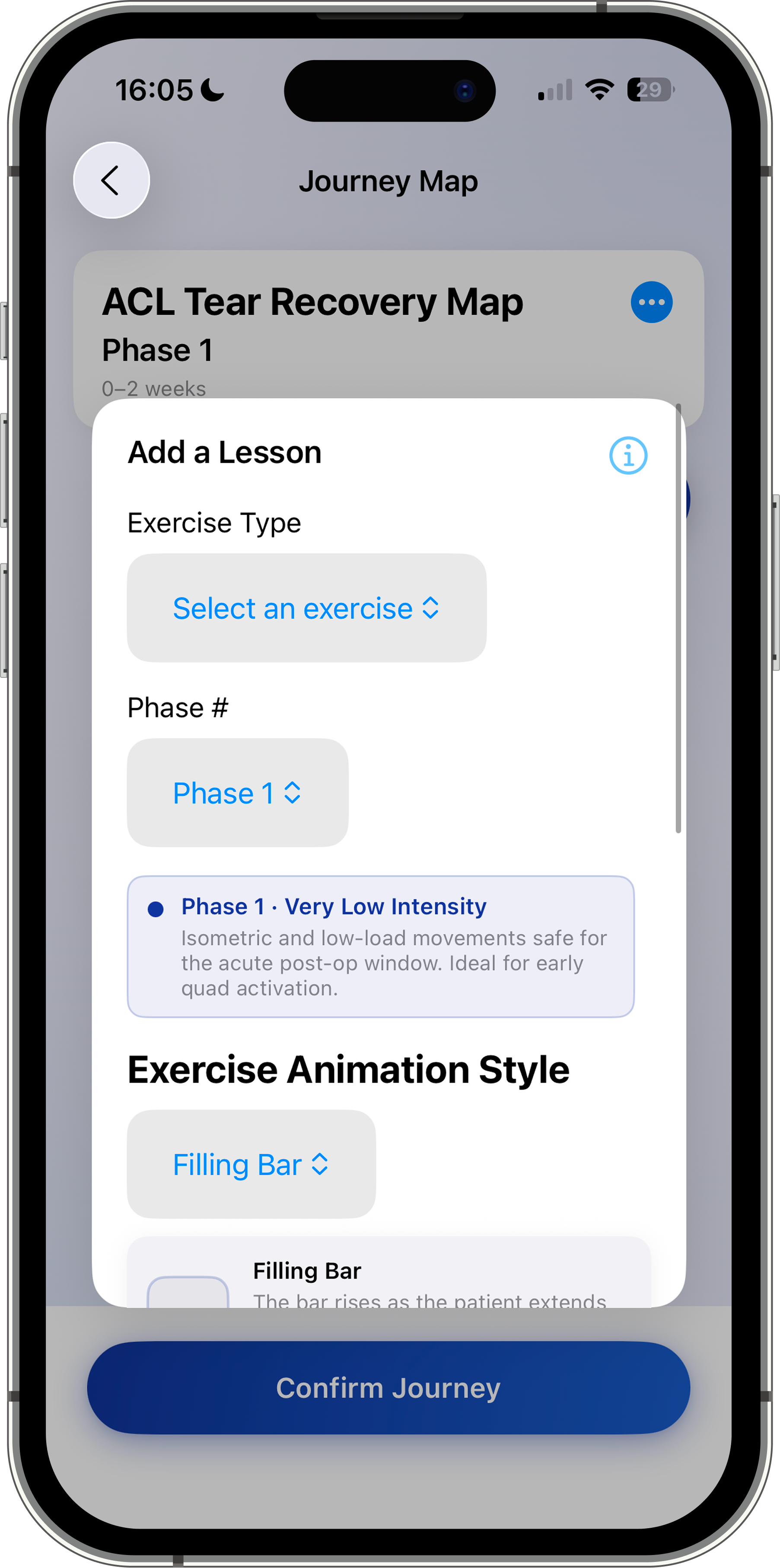
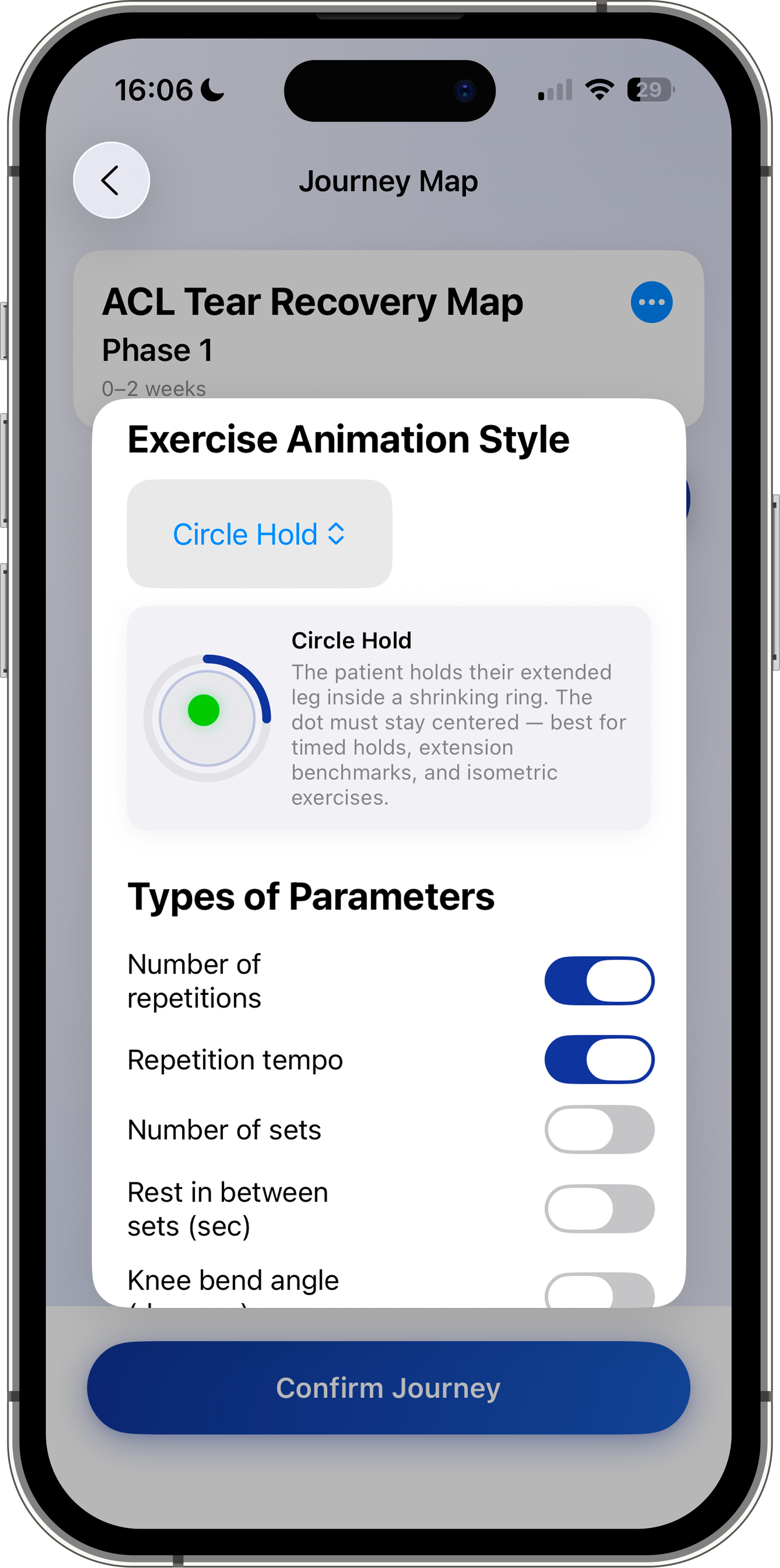
Physical therapists log into the app using their practice information, license number, and NPI number, which is validated against the CMS NPPES Registry to ensure clinical credibility. From there, they add patients to their account and build fully customizable rehabilitation plans by selecting exercises, adjusting parameters such as reps, sets, rest intervals, and range of motion, and locking or unlocking lessons based on patient progress. As patients complete lessons, PTs receive detailed session analytics tracking four key movement metrics: leg drift (side-to-side deviation from proper alignment), leg tremors (shaking during movement indicating instability), angular velocity (speed of each movement), and max extension (the patient's ability to consistently reach full extension). These insights allow PTs to make data-driven adjustments to future lessons remotely, without requiring an in-person visit.
Key Features:
Customizable
Therapy Plans
Therapy Plans
Physical Therapist
Monitoring
Monitoring
Sensor-Based
Motion Tracking
Motion Tracking
Lesson Performance
Analytics
Analytics
Real-Time
Patient Feedback
Patient Feedback
- Guided Lesson & Calibration Instructions: Video demos and animation previews for every lesson and calibration step
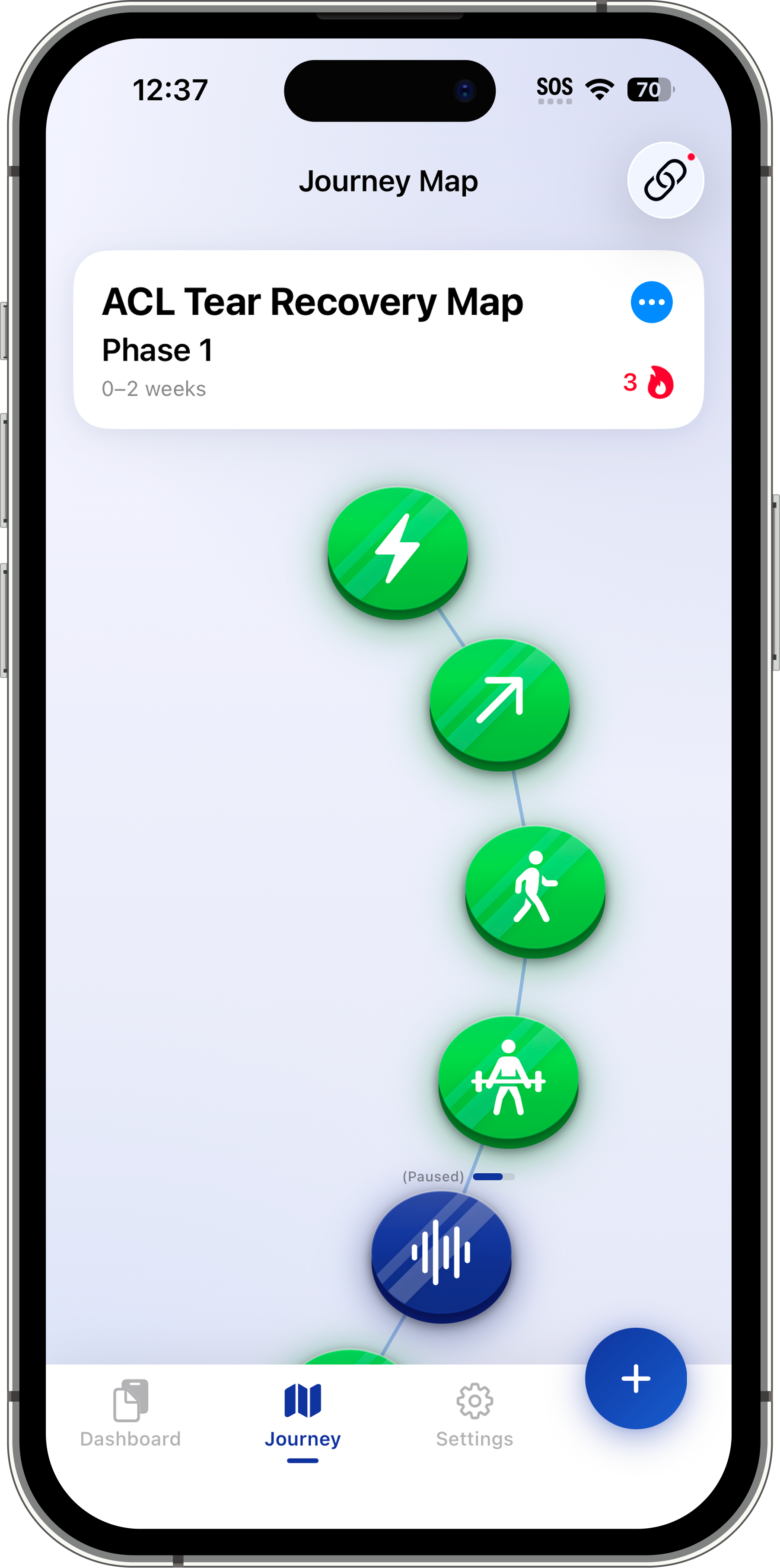
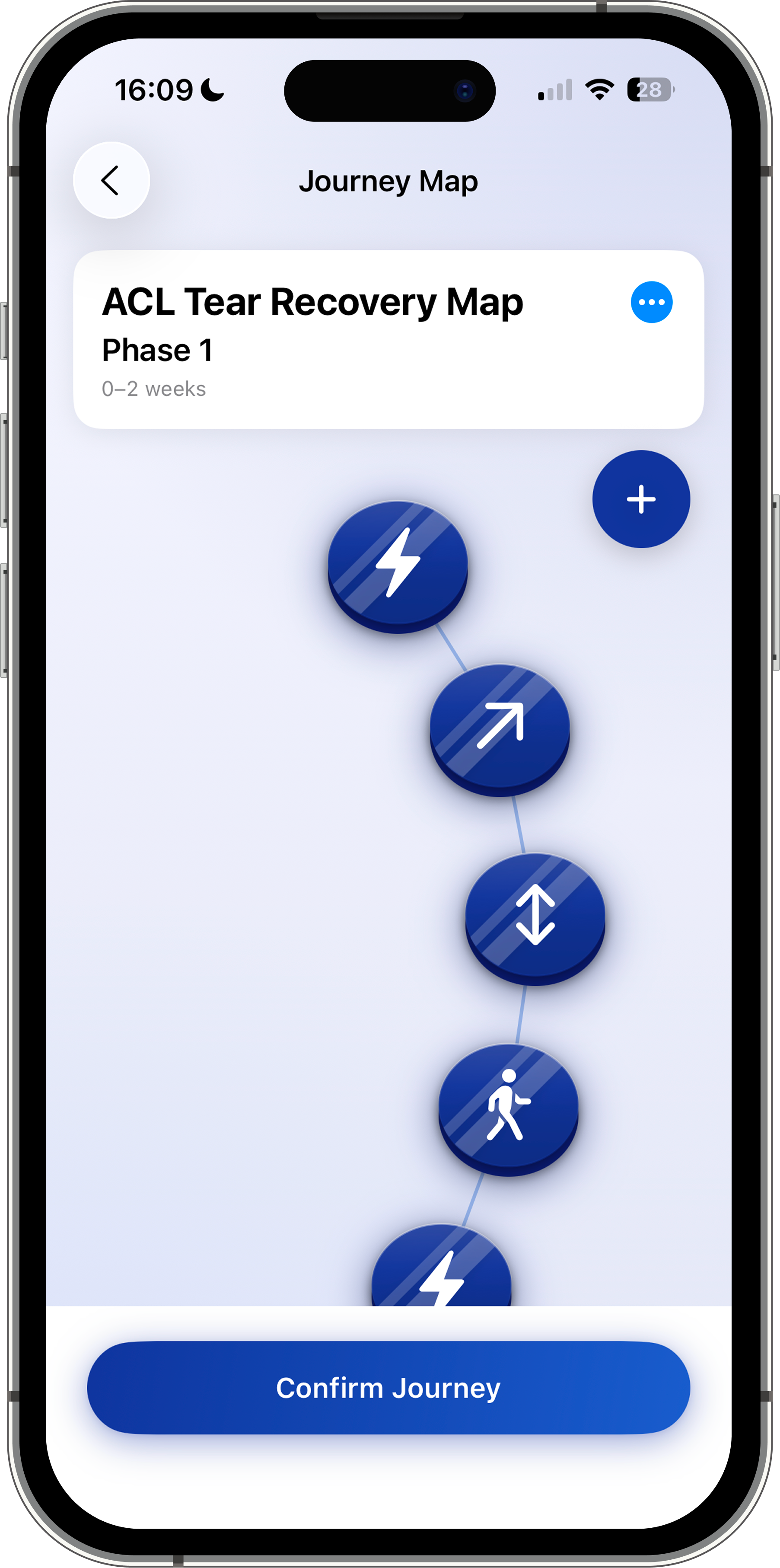
- Journey Map: Visual progression through rehab lessons
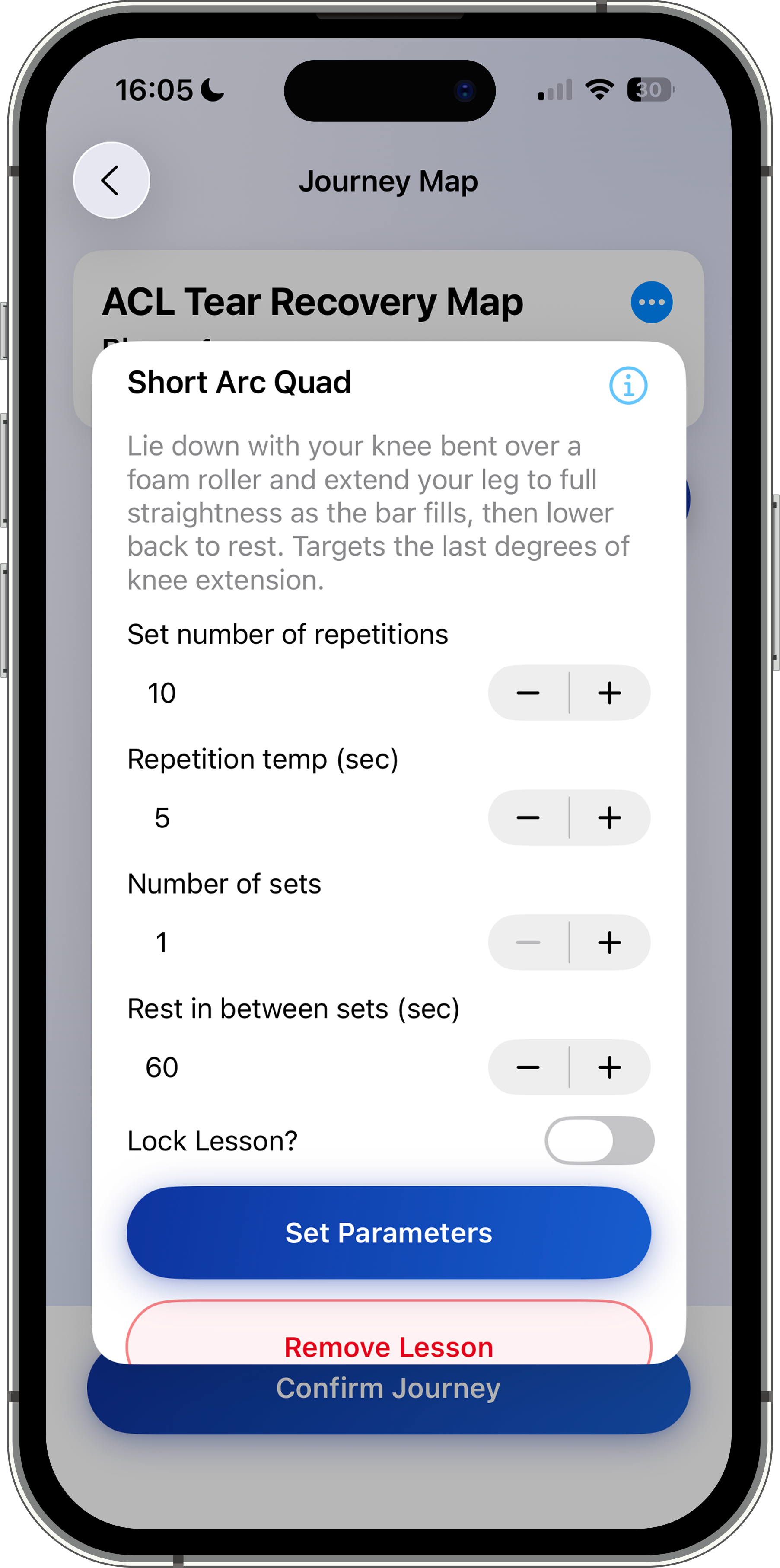
- Draggable Lesson Editor (PT): Configure reps, sets, rest, and limits while being able to add custom lessons to the default plan
- Personalized Scheduling (Patient): Create a custom schedule to receive reminders on when to complete exercises
- BLE Sensor Integration: Real-time motion data from the brace
- Automatic Data Saving: No manual tracking required
- In-App Messaging: Direct communication between patients and their physical therapist within the app
- Offline Lesson Performance: Complete lessons without an internet connection; data syncs automatically once connectivity is restored
Lessons in Action:
Hardware:
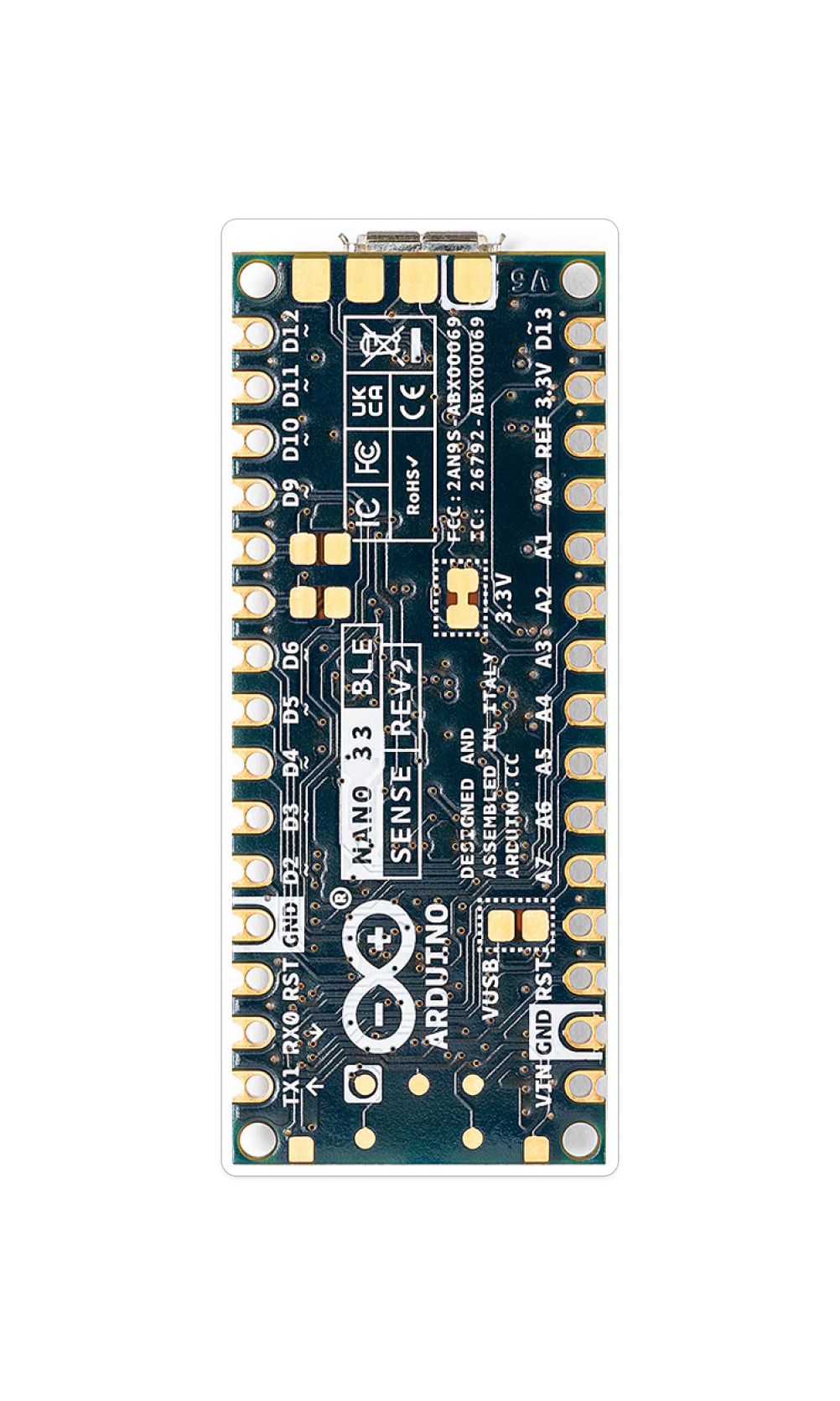
Arduino Nano 33 BLE Sense Rev 2
- Serves as the brain of the knee brace, handling sensor input, data processing, and Bluetooth Low Energy (BLE) communication with the mobile app
- It also utilizes a built-in IMU to support motion tracking and system responsiveness
Quantity: 1
Supplier: Amazon
Catalogue #: ABX00070
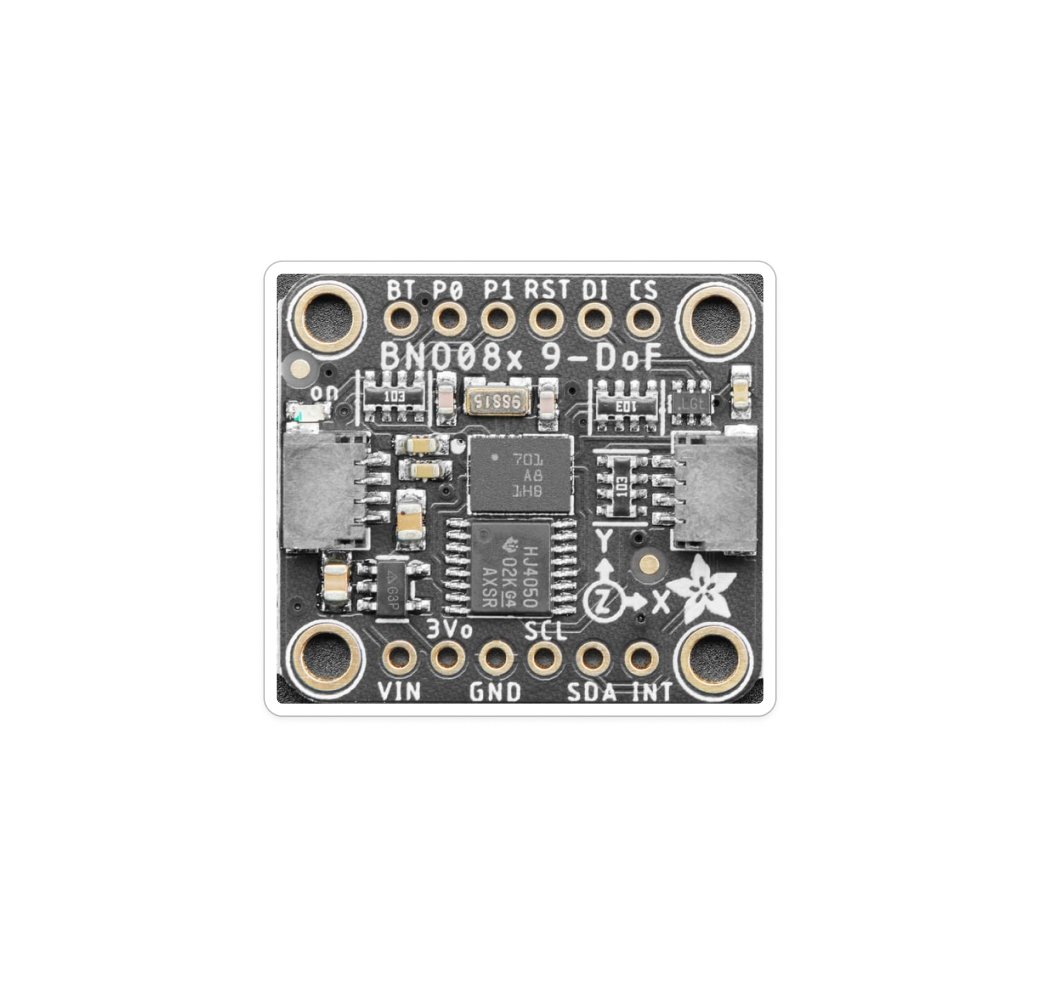
Adafruit 9-DOF Orientation IMU Fusion Breakout - BNO085
- Measures how the leg moves using an accelerometer for direction and speed and a gyroscope for rotation, enabling accurate tracking of knee movement throughout each exercise
Quantity: 1
Supplier: Adafruit
Catalogue #: 4754
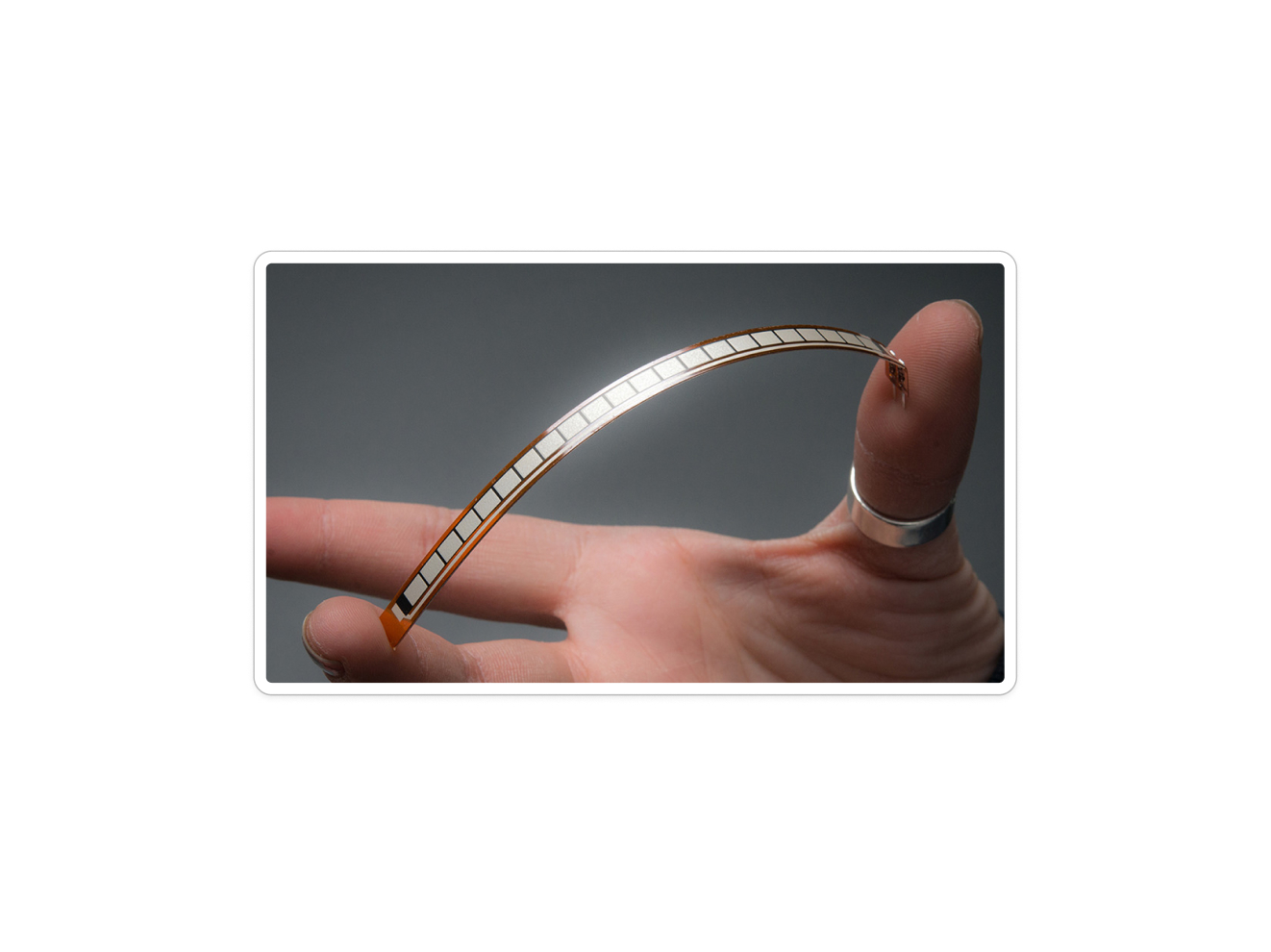
Adafruit Long Flex Sensor (4.4″)
- Changes its resistance when it bends
- The Arduino measures this change in resistance as a changing voltage, allowing the system to detect knee flexion and extension during rehabilitation exercises
Quantity: 1
Supplier: Adafruit
Catalogue #: 182
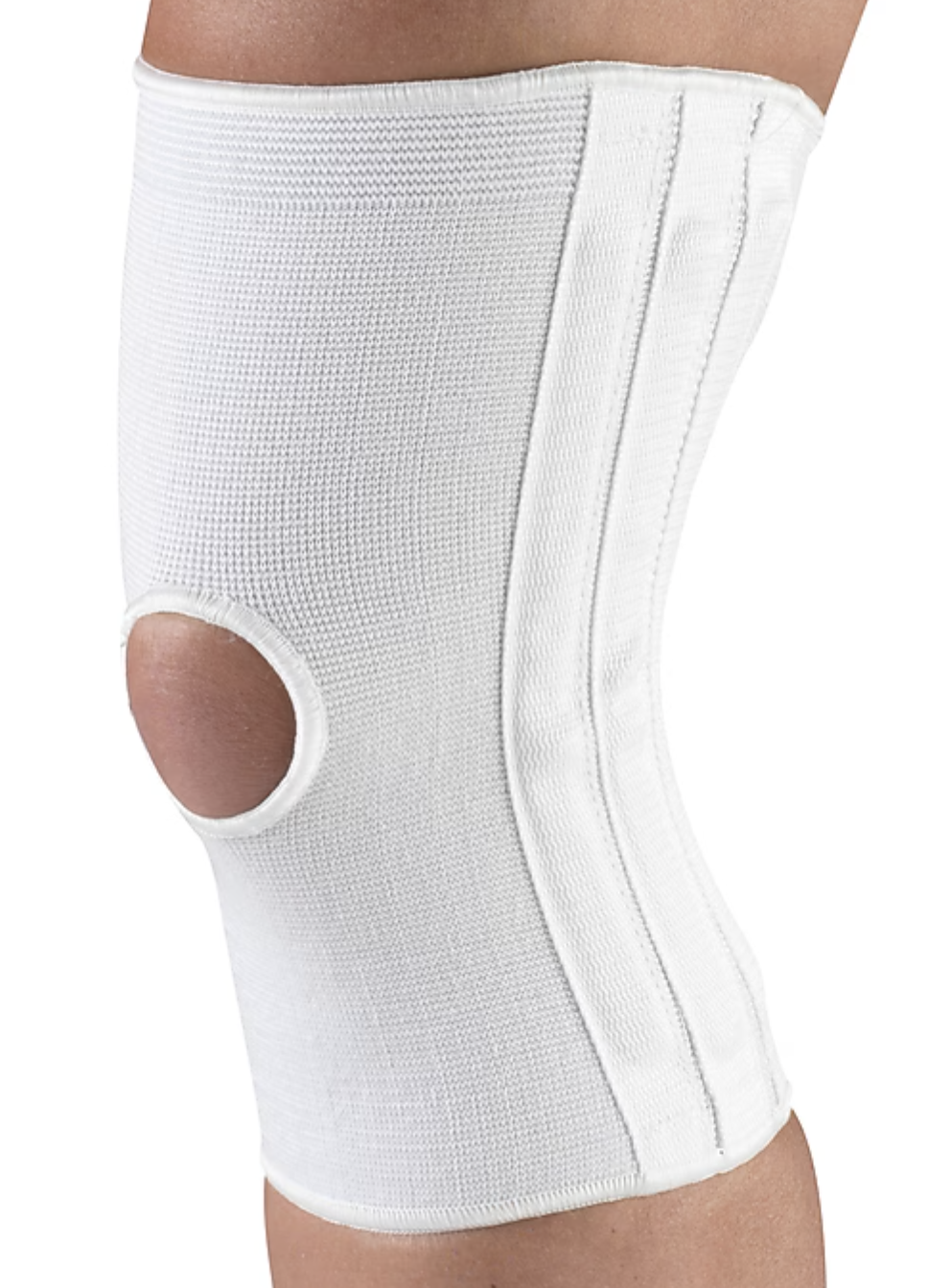
Champion Knee Brace
- Houses all of the hardware and circuitry
- Needed to be flexible to allow for range of motion while also being tight enough to allow constant and reliable data capturing
Quantity: 1
Supplier: Amazon
Catalogue #: B00D6HDOOI
Testing the Product:
Our Fall 2025 killer experiment validated the core real-time feedback system across 15 repeated trials performed by all three team members. The flex sensor accurately translated raw sensor values into knee angle degrees, the IMU correctly detected medial leg drift, calibration data transferred with 100% reliability, all five error message types triggered correctly in 100% of trials, and BLE latency averaged 120 ms (SD: 11.2 ms, max: 138 ms), well within the expected range, with no hardware failures across any trial.
In Spring 2026, we ran four additional technical validation experiments on the expanded prototype, all achieving 100% pass rates: Experiment 1 (Rehab Plan Customization): five unique rehab plans were assigned to five distinct patient profiles; each account displayed only its correct plan with zero cross-profile data mixing. Experiment 2 (Full Lesson Suite): all six lesson types (four lessons and two benchmarks) were performed across 18 total trials, confirming correct directions, calibration cues, animations, and simultaneous error-detection logic with no bugs. Experiment 3 (Offline Lesson Completion): lessons completed in airplane mode synced correctly upon reconnection in all four trials, with no missing or mismatched records. Experiment 4 (Analytics Accuracy): intentional velocity spikes, lateral deviations, and tremors were performed at known timestamps and correctly reflected in all three analytics graphs at the correct time intervals across all four trials.
User Testing (Physical Therapists): Two practicing physical therapists completed four tasks each: account creation, patient onboarding, rehab plan customization, and analytics review, via Zoom using a think-aloud protocol. Both completed all tasks successfully within the target time ranges and responded positively to the streamlined workflow. Key insights, including PT title specifications on the account page, lesson difficulty indicators, animation previews, and graph descriptions above each analytics chart, were immediately implemented post-testing.
User Testing (Patients): Four participants with prior ACL injuries completed five tasks: account creation, brace pairing, calibration, lesson performance, and analytics review. All participants completed every task with minimal friction, engaging positively with the guided lesson videos, real-time feedback, and the simplified lesson score. All agreed the app felt like authentic PT guidance, and the in-app communication tools made them want to use it as part of their own physical therapy.
Reflection:
This project was especially meaningful to me because it sits at the intersection of health, technology, and human-centered design, an area I am deeply passionate about. Building RealRehab with my team allowed me to move beyond theoretical ideas and develop a fully functional system that integrates hardware, software, and clinical considerations into a real-world application. Professionally, the project strengthened my ability to work across disciplines, translate physiological movement into digital feedback, and design systems that prioritize both technical accuracy and user experience. It also reinforced my ability to identify a legitimate problem people face and work toward a simple but effective solution through human-centered design. Still, I found that the process of creating tools that directly support recovery, accessibility, and quality of life to be deeply motivating.
Senior Design Expo & Pitch Competition: